Cart
The main section of the cart page with the “Cart: items” and “Cart: summary” blocks. The section itself only has color scheme and spacing.
What it looks like
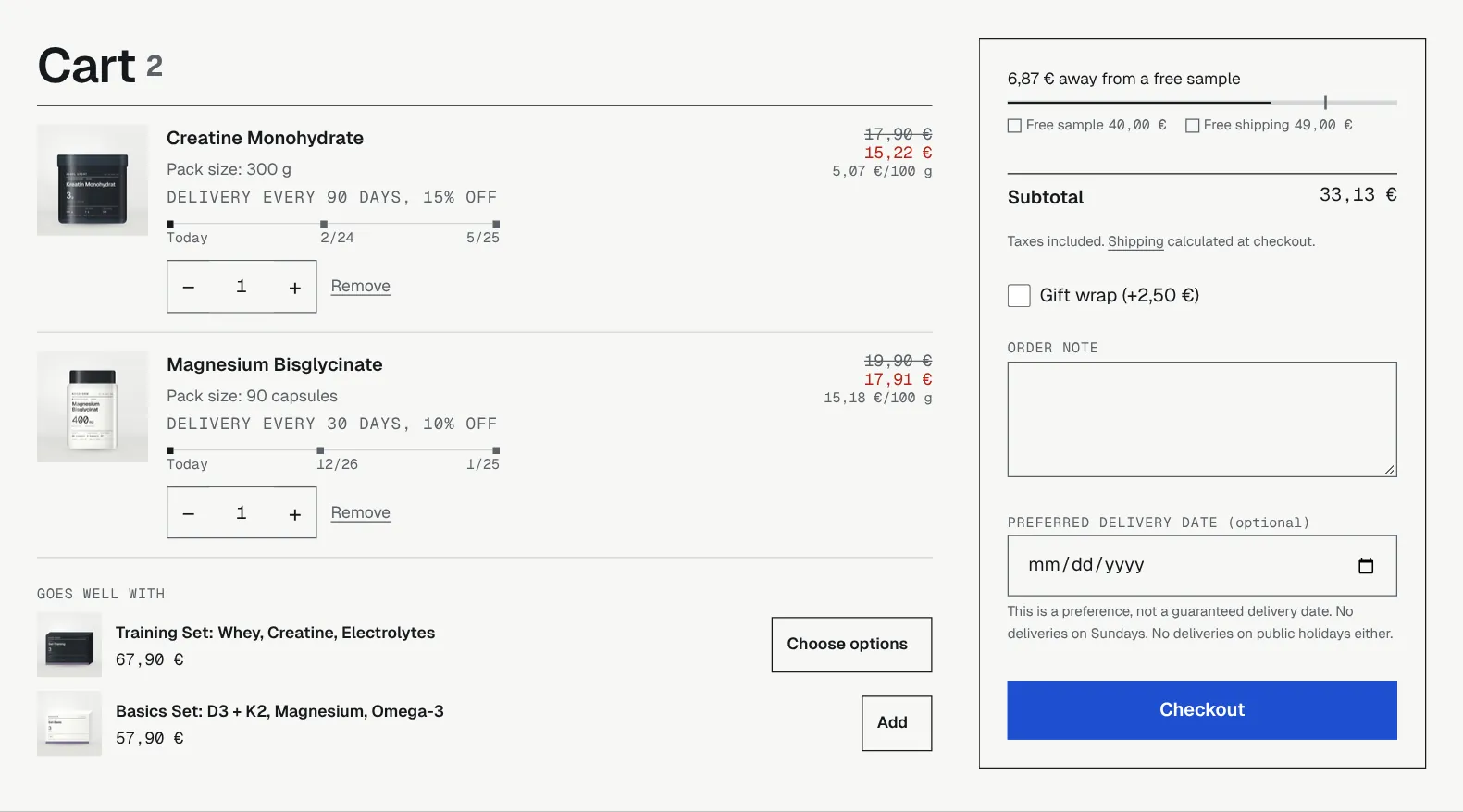
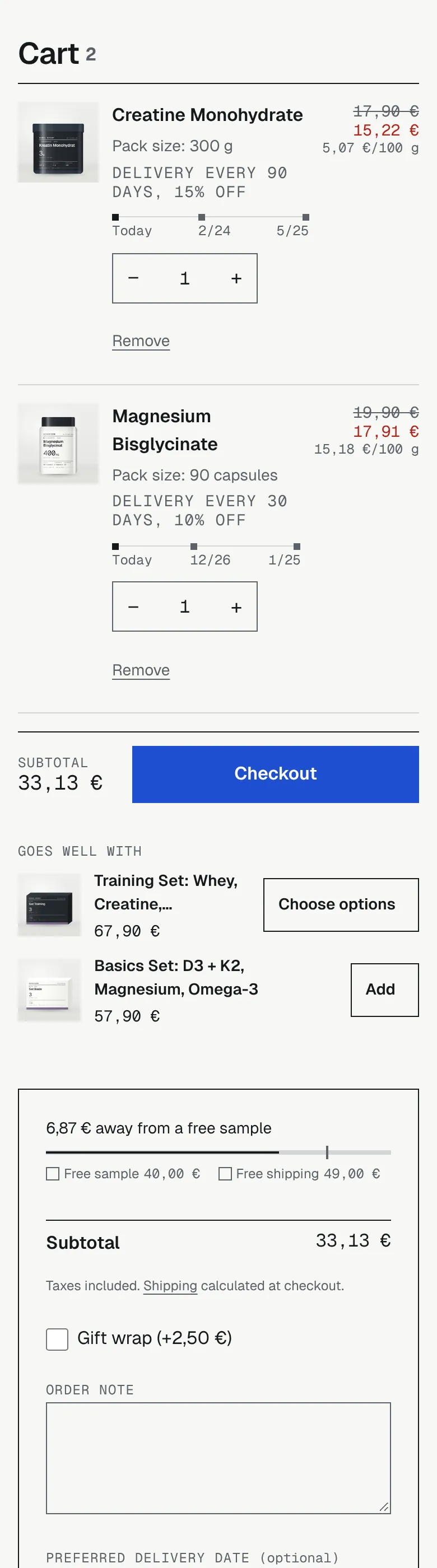 (Show larger)
Marked in the picture
The numbers in the computer picture show where each setting appears.
Example from the demo store Nordform.
Where do I find it?
- Online Store
- Themes
- Customize
- Choose the page at the top: “Cart”
- “Template” area in the sidebar
- Cart
This section is a fixed part of the “Cart” template; it is not offered under “Add section”.
How to set it up
Cart
Shown with default values. Fields that only appear after another setting is changed are folded away below.
Color scheme
Default: Scheme 1
Spacing above and below
Default: Small
3 options
- Small
- Medium
- Large
Can contain other blocks (for example heading, text, button).
- Marker 1 Cart: items (own block)
- Marker 2 Cart: summary (own block)
Tips
- The cart drawer is not a section: it follows the theme settings under “Cart” and the “Page background color scheme”.
- Order note, dynamic checkout buttons and gift wrap are set in the Cart: summary block.
- On phones, a bar with subtotal and “Checkout” appears at the bottom from two items on. It has no setting.