Supply calculator
Works out how long a pack lasts.
What it looks like
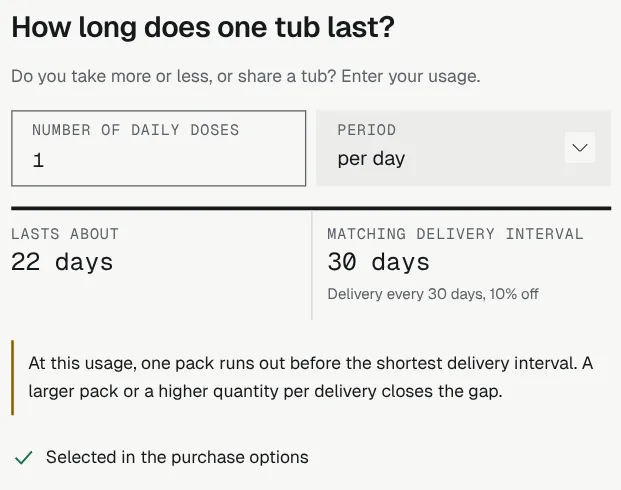
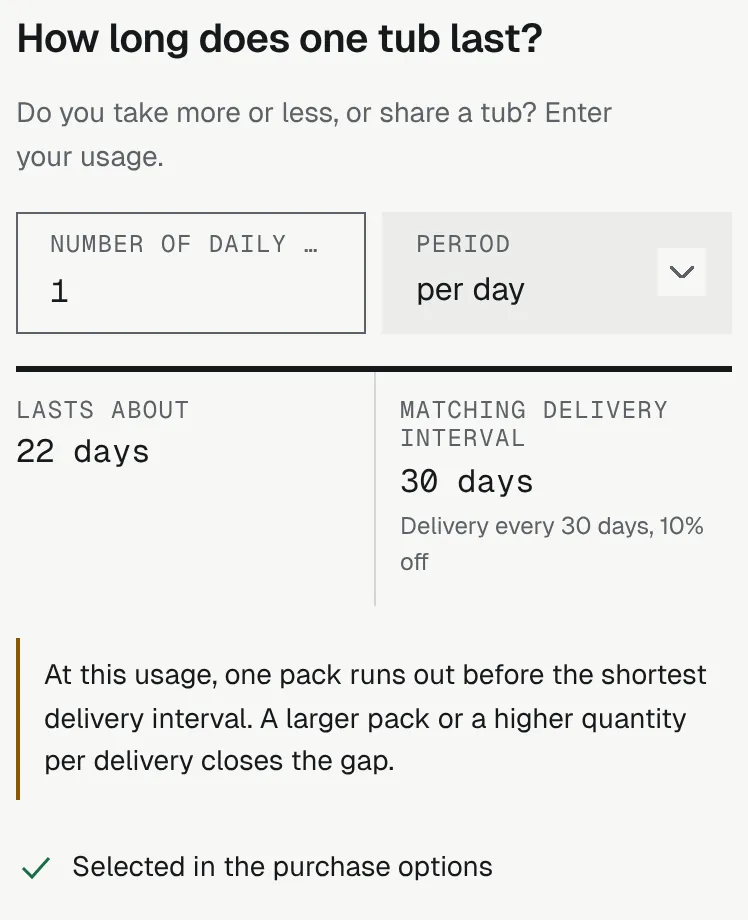 (Show larger)
Marked in the picture
The numbers in the computer picture show where each setting appears.
- 1 = Heading
Example from the demo store Nordform.
Where do I find it?
- Online Store
- Themes
- Customize
- Choose the page at the top: “Products › Default product”
- Add block
- Product: buying
- Supply calculator
This block shows data of the current product and only works on product pages. For a product on other pages, use Featured product.
How to set it up
Supply calculator
Shown with default values. Fields that only appear after another setting is changed are folded away below.
Customers enter their usage and see how long a pack lasts, plus the matching subscription interval. Uses “Servings per pack” and “Servings per day” (Theme settings → Product data). Hidden without these values.
Marker 1 Heading
Empty: “How long does it last?” Text in double square brackets is highlighted, e.g. [[refill]].
Text
Text in double square brackets is highlighted, e.g. [[refill]].
Enter usage per
2 options
- Day
- Week
Default; customers can switch.
Input label
Empty: matches “Serving label” in Theme settings, e.g. “Number of cups”.
Recommend matching subscription interval
For products with subscription plans: the plan with the longest interval the supply still covers, and a button that selects it in the “Purchase options” block.
Tips
- “Recommend matching subscription interval” suggests the right subscription and selects it with a button.