Section
The section almost every page is made of. It sets color scheme, spacing, width, line and anchor, plus an optional line motif (decoration) and a background video; the blocks inside make up the content.
What it looks like
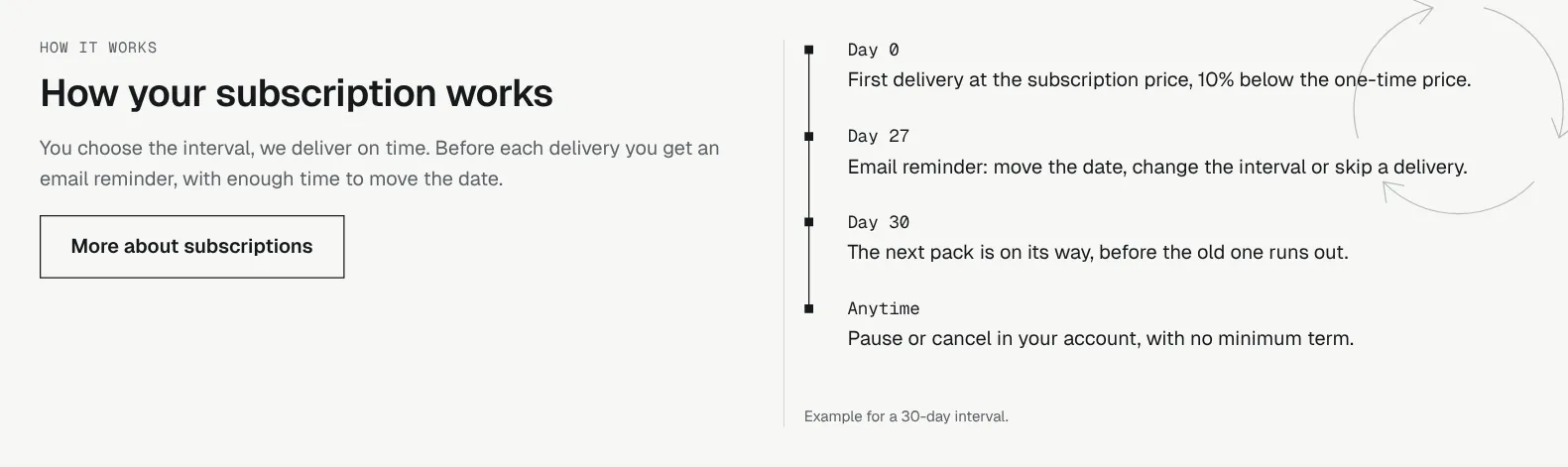
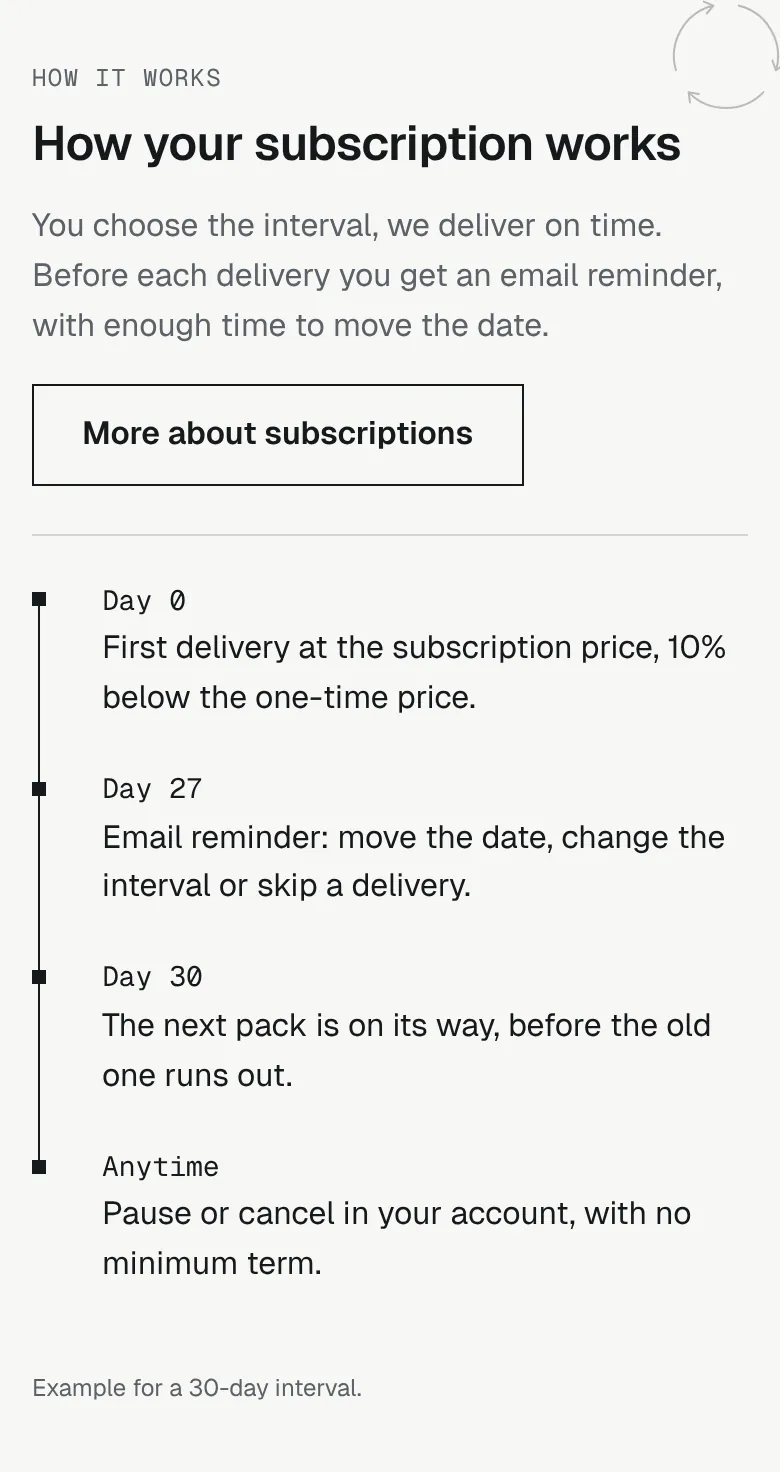 (Show larger)
Marked in the picture
The numbers in the computer picture show where each setting appears.
- 1 = Color scheme
- 2 = Width
- 3 = Motif
Example from the demo store Nordform.
Where do I find it?
- Online Store
- Themes
- Customize
- Choose the page at the top: “Home page”
- “Template” area in the sidebar
- Add section
- Layout
- Empty section
The templates under “Add section” – from “Empty section” (category “Layout”) to “Image with text” or “FAQ” – are all this section with matching blocks.
How to set it up
Section
Shown with default values. Fields that only appear after another setting is changed are folded away below.
Marker 1 Color scheme
Spacing above and below
4 options
- None
- Small
- Medium
- Large
Marker 2 Width
3 options
- Page width
- Full width
- Narrow (reading width)
Line above section
Anchor
Name without # or spaces, e.g. shipping. A button or link to #shipping jumps here.
Decoration
Line motif behind the content. Does not shift the layout, does not catch clicks and is hidden from screen readers.
Marker 3 Motif
14 options
- None
- Waves
- Cycle (arrow ring)
- Contour lines
- Path with dots
- Connector line
- Swash (underline)
- Frame corners
- Branch with leaf veins
- Steam curls
- Drop with ripples
- Measuring scale
- Orbit
- Curved arrow
Background
Background video
Plays muted on a loop behind the content and only starts once the section is visible. A pause button appears in the bottom right corner. With “Reduce motion” only the still image is shown. Recommended: under 30 seconds and 10 MB – some browsers load the whole file. With data saver on, only the still image is shown.
More fields when “Motif” is not “None” (7)
Decoration
Position
9 options
- Background (full area)
- Top right corner
- Top left corner
- Bottom right corner
- Bottom left corner
- Left edge
- Right edge
- Behind the heading (top)
- Transition to the next section (bottom edge)
Size
Width of the motif relative to the section. Not used for “Background”.
Color
9 options
- Scheme: text
- Scheme: secondary text
- Scheme: line
- Scheme: accent
- Brand color: accent 1
- Brand color: accent 2
- Brand color: promotion / sale
- Brand color: highlight
- Brand color: success / seal
Opacity
On scroll
6 options
- Draw (line appears as you scroll)
- Drift (parallax)
- Wave (moves sideways)
- Rotate
- Dot travels along
- Still (no motion)
Line weight
3 options
- Fine
- Medium
- Bold
Mirror
4 options
- None
- Horizontal
- Vertical
- Both
More fields when “Background video” is filled in (4)
Background
Still image
Shown before the video starts and with “Reduce motion”. Empty: the video’s preview image.
Overlay
Color scheme background over the video: lightens light schemes, darkens dark ones. Set it high enough to keep text readable (at least 4.5 : 1).
Focal point
5 options
- Center
- Top
- Bottom
- Left
- Right
Load still image immediately (section at the top)
Only turn on if this section is the first on the page. The video itself is never preloaded.
Can contain other blocks (for example heading, text, button).
Tips
- “Narrow (reading width)” centers the content at a comfortable reading width, e.g. for an FAQ. “Anchor”: a name such as
shipping– a link to#shippingjumps to this section, also from another page. - Decoration: the motif never shifts the layout, does not catch clicks and is hidden from screen readers. For a quiet background, use the color “Scheme: line”.
- Background video: set “Overlay” high enough for text to reach at least 4.5 : 1 contrast. With reduced motion, only the still image shows.