Product title
The product’s name, optionally with brand and subtitle.
What it looks like
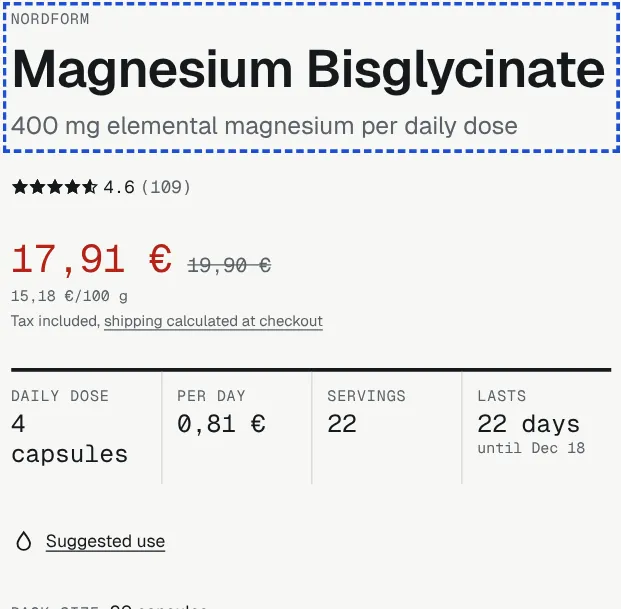
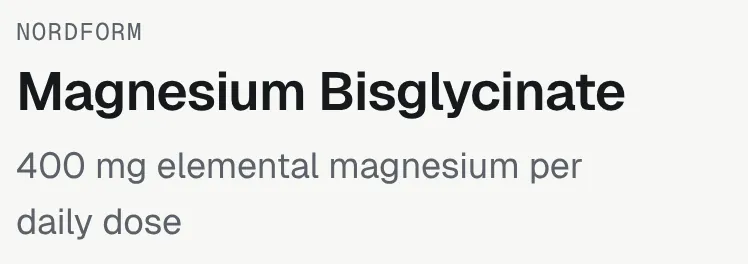 (Show larger)
Marked in the picture
The numbers in the computer picture show where each setting appears.
- 1 = Show brand
- 2 = Show subtitle
Example from the demo store Nordform.
Where do I find it?
- Online Store
- Themes
- Customize
- Choose the page at the top: “Products › Default product”
- Add block
- Product: content
- Product title
This block shows data of the current product and only works on product pages. For a product on other pages, use Featured product.
How to set it up
Product title
Shown with default values. Fields that only appear after another setting is changed are folded away below.
Marker 1 Show brand
Default: On
Brand position
Default: Above title
2 options
- Above title
- Below title
Only shown when “Show brand” is on.
Link brand
Default: Off
Links to the automatic page listing all products of this brand.
Only shown when “Show brand” is on.
Marker 2 Show subtitle
Default: On
Uses the metafield set in Theme settings → Product data.
Only shown when “Metafield: subtitle” is filled in.
Tips
- “Link brand” leads to the page with all products of that brand.
- The subtitle comes from a metafield. You choose which one under Theme settings › Product data.