Pickup availability
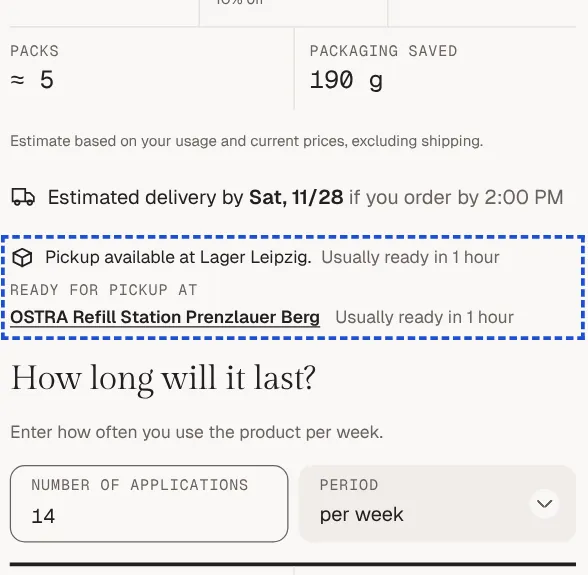
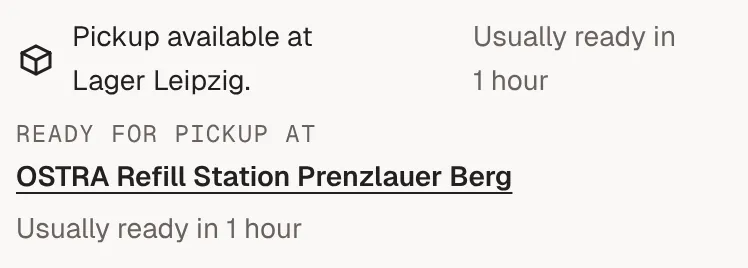
Shows where the product is ready for pickup. Only when local pickup is turned on.
What it looks like
 (Show larger)
Example from the demo store OSTRA.
Where do I find it?
- Online Store
- Themes
- Customize
- Choose the page at the top: “Products › Default product”
- Add block
- Product: buying
- Pickup availability
This block shows data of the current product and only works on product pages. For a product on other pages, use Featured product.
How to set it up
Pickup availability
Shown with default values. Fields that only appear after another setting is changed are folded away below.
Only appears when local pickup is turned on under Settings → Shipping and delivery.
Link store locator locations
Lists the locations where the variant is ready for pickup, linked to the “Locations” page. A location matches a store_location entry with the same name or with its name in the “Shopify location” field. Shows the distance if the customer shared their position in the store locator.
Locations page
Only with “Link store locator locations”: page with the store locator block. Empty: names only, without links.
Tips
- With “Link store locator locations”, the location name leads to the “Locations” page.