Mandatory information
Mandatory information by product type: name, ingredients, net quantity, warnings and manufacturer.
What it looks like
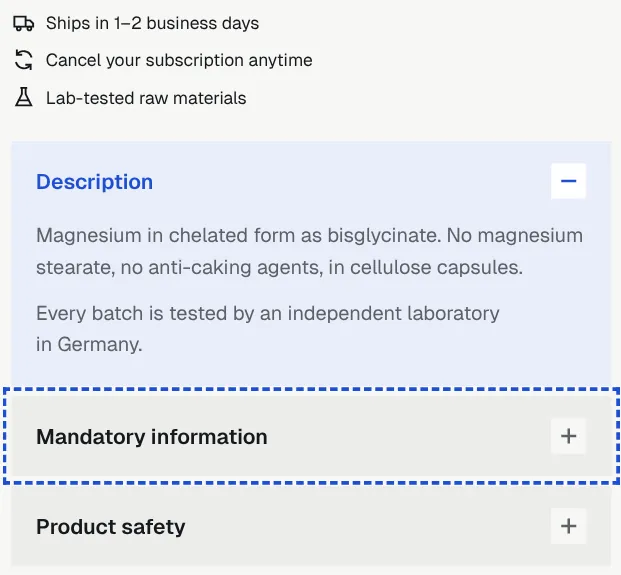
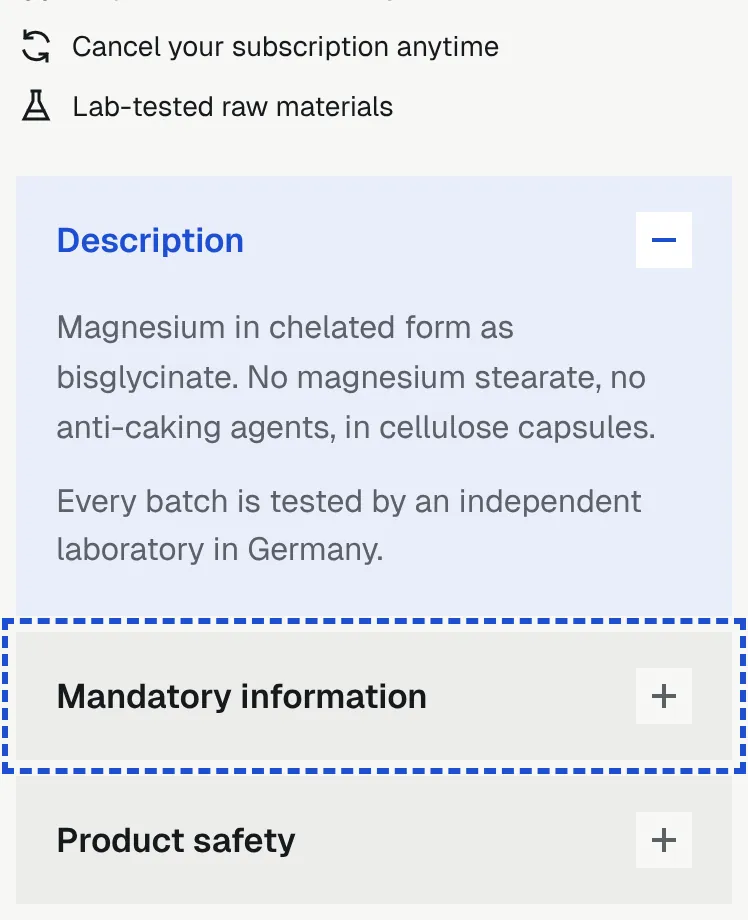 (Show larger)
Example from the demo store Nordform.
Where do I find it?
- Online Store
- Themes
- Customize
- Choose the page at the top: “Products › Default product”
- Add block
- Product: facts
- Mandatory information
This block shows data of the current product and only works on product pages. For a product on other pages, use Featured product.
How to set it up
Mandatory information
Shown with default values. Fields that only appear after another setting is changed are folded away below.
Groups the mandatory information customers expect before buying. The product type sets the labels and the checklist in the editor. A filling aid, not legal advice.
Product type
5 options
- Food supplement
- Food (e.g. coffee, tea, spices)
- Cosmetics
- Pet food
- General (other products)
General: designation, contents, usage, notes, manufacturer. Food and food supplements: ingredients with highlighted allergens. Cosmetics: ingredients (INCI), period after opening, responsible person. Feed: animal species, feed type, composition, additives.
Heading
Text in double square brackets is highlighted, e.g. [[refill]].
Open by default
Default information (fallback)
Default designation
Applies when the product has no designation metafield, e.g. the legal name of your range.
Default warnings
Used when the product has no warnings metafield.
Data source (change only for custom metafields)
Format namespace.key. Find it under Settings → Custom data.
Metafield: designation
Metafield: ingredients or composition (mark allergens with *asterisks* or bold)
Metafield: net quantity
Empty: taken from the variant's unit price quantity.
Metafield: recommended use
Metafield: warnings
Metafield: manufacturer (overrides theme settings)
More fields when “Default designation” is filled in or “Default warnings” is filled in (1)
Default information (fallback)
Exclusion tag for default information
Products with this tag get no default designation and no default notes. A metafield value “-” hides a single item.
More fields when “Product type” is “Cosmetics” (1)
Data source (change only for custom metafields)
Metafield: period after opening (e.g. 12 M)
More fields when “Product type” is “Pet food” (3)
Data source (change only for custom metafields)
Metafield: animal species
Metafield: type of feed (e.g. complete feed)
Metafield: additives
Tips
- Choose the “Product type”: food, cosmetics, animal feed or general.
- Without a net quantity metafield, the block uses the quantity from the variant’s unit price.