Delivery date
One line such as “Estimated delivery by Wed, Nov 25”.
What it looks like
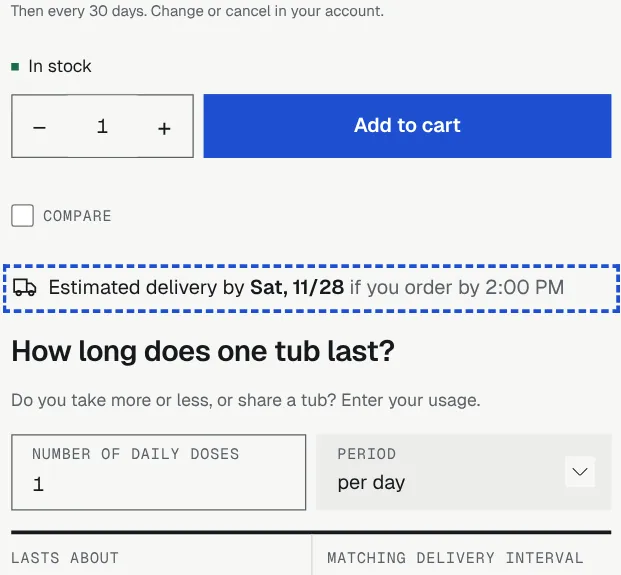
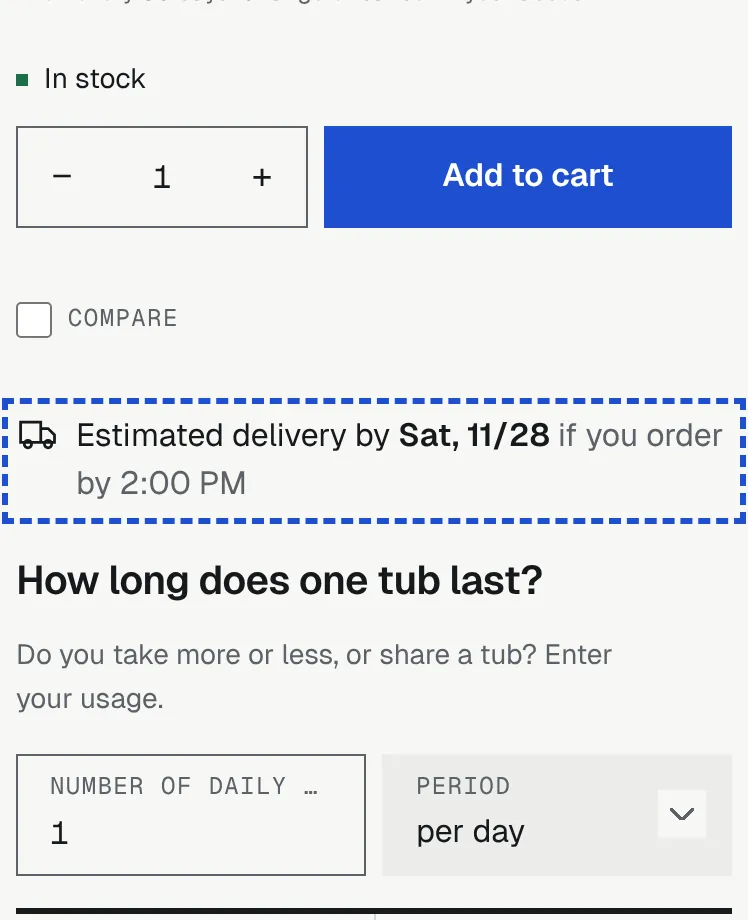 (Show larger)
Example from the demo store Nordform.
Where do I find it?
- Online Store
- Themes
- Customize
- Choose the page at the top: “Products › Default product”
- Add block
- Product: buying
- Delivery date
This block shows data of the current product and only works on product pages. For a product on other pages, use Featured product.
How to set it up
Delivery date
Shown with default values. Fields that only appear after another setting is changed are folded away below.
One line with the estimated delivery date (“Estimated delivery by Wed, 25 Nov”), with the order cut-off on shipping days. Calculated in the browser from cut-off, handling time, transit time and holidays. The subscription timeline in purchase options uses the same date.
Shipping
Order cut-off for same-day dispatch (hour)
Processing time (business days)
Delivery
Transit time minimum (business days)
Transit time maximum (business days)
Must be at least as large as “Transit time minimum”.
Deliver on Saturdays
Days without dispatch or delivery
One date per line as YYYY-MM-DD, e.g. public holidays (2026-12-25). Empty by default. Update every year.
Data source (change only for custom metafields)
Metafield: product delivery time
Business days as a number or range, e.g. 3 or 3-5 (text or integer), format namespace.key. Replaces the transit time above for this product.
Tips
- Enter holidays under “Days without dispatch or delivery”, one date per line. Update them every year.
- “Transit time maximum” must be at least “Transit time minimum”.