Collection: product list
The products of a collection with filters, sorting and page numbers.
What it looks like
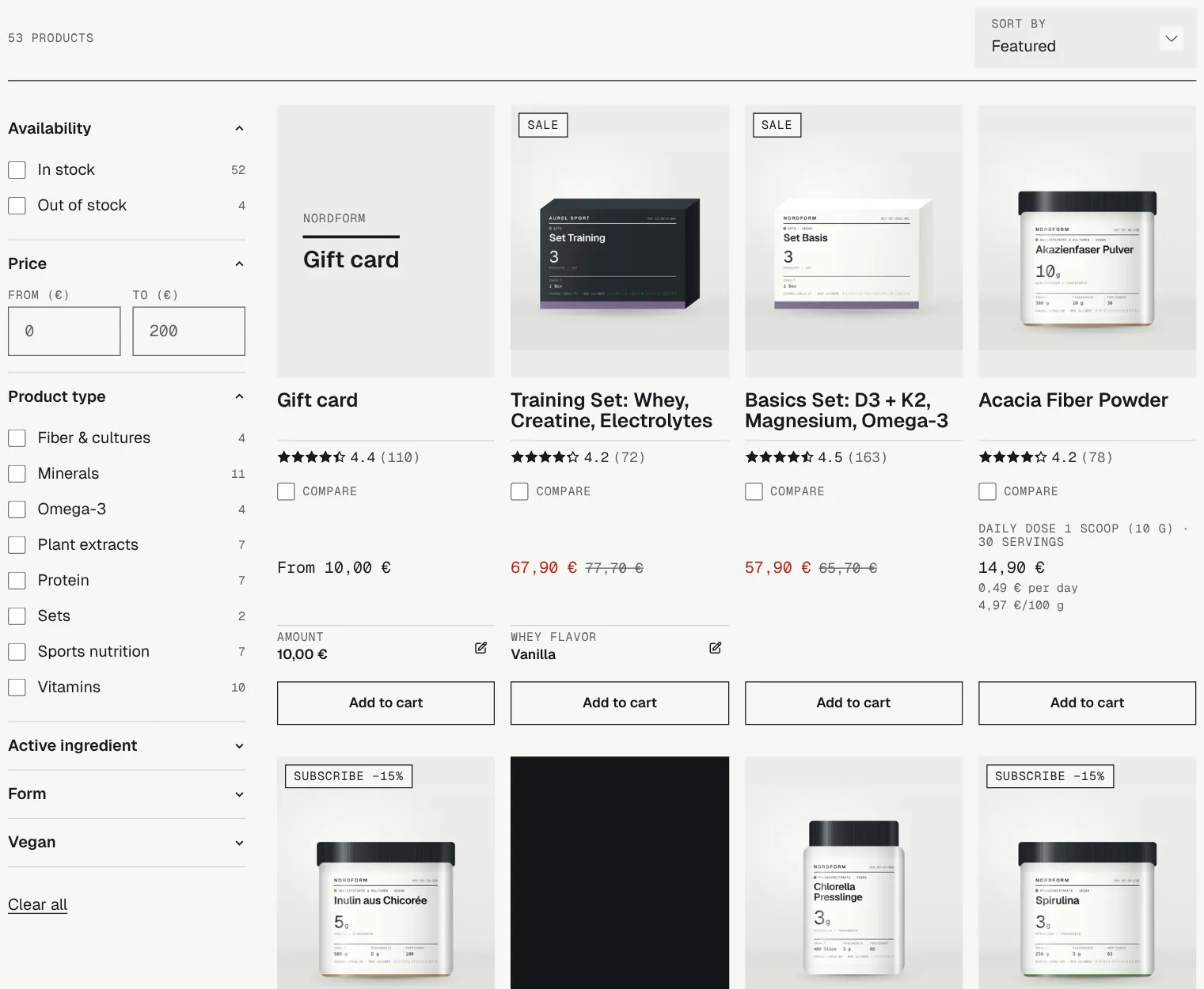
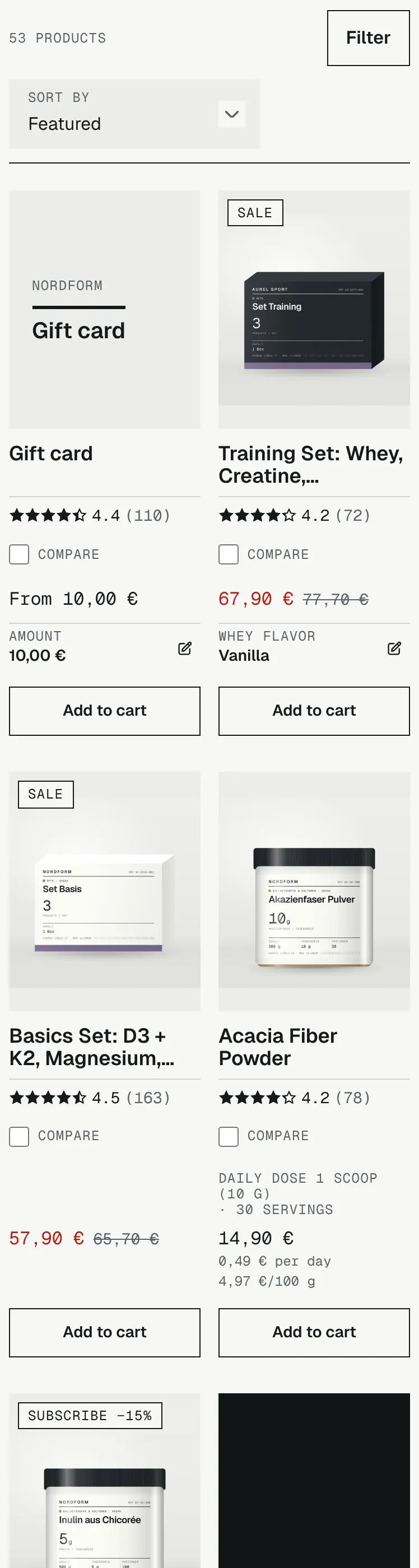 (Show larger)
Example from the demo store Nordform.
Where do I find it?
- Online Store
- Themes
- Customize
- Choose the page at the top: “Collections › Default collection”
- Add block
- Page templates
- Collection: product list
This block belongs to the “Collection” template. Elsewhere it shows nothing or only a note in the editor.
How to set it up
Collection: product list
Shown with default values. Fields that only appear after another setting is changed are folded away below.
Appearance
Columns on large screens
Columns on small screens
2 options
- 1
- 2
Image aspect ratio
3 options
- 1 : 1
- 4 : 5
- 9 : 16
Image fit
2 options
- Fill frame (crop)
- Show whole image
“Show whole image” suits cut-out product images; photos with their own background otherwise show bars when the aspect ratio differs.
First row images
3 options
- Automatic
- Immediately
- Lazy
Automatic: load immediately when the collection has no image. If the collection header hides its image, choose “Immediately”.
Show key figures (serving, servings)
Uses the metafields set in theme settings → Product data. Price per day has its own switch.
Only shown when “Metafield: amount per serving” is filled in or “Metafield: servings per pack” is filled in.
Show price per day or serving
Only for products with a single price and a servings metafield.
Only shown when “Metafield: servings per pack” is filled in.
Show unit price
Price per unit of measure, e.g. €16.86/100 g. Usually required in the EU for goods sold by weight, volume or length: only turn off if it isn’t needed here.
Filtering and sorting
Show filters
Set up filters in the Search & Discovery app.
Show sorting
Default sorting
9 options
- As set in the collection
- Featured (manual)
- Best selling
- Alphabetically, A–Z
- Alphabetically, Z–A
- Price, low to high
- Price, high to low
- Date, old to new
- Date, new to old
Pages load fastest with the collection's own sorting (Admin › Collection › Products › Sort). A different choice here is applied through an instant redirect when the collection is opened (one extra page request).
Pagination
Products per page
Pagination
3 options
- Page numbers
- “Load more” button
- Automatically on scroll
“Automatically” loads up to five pages in a row, then the “Load more” button appears again so the footer stays reachable. Without JavaScript, links to the next page are shown.
More fields when “Show profile scales on product cards” is on (1)
Appearance
Show profile scales (e.g. scent, texture)
Only when “Show profile scales on product cards” is on in theme settings.
More fields when ““Compare” checkbox on product cards” is on (1)
Appearance
Show “Compare” checkbox
Only when the “Compare” checkbox is on in theme settings (product cards).
Can contain other blocks (for example heading, text, button).
Tips
- You set up filters in the Search & Discovery app.
- “Show unit price” is usually required in the EU for goods sold by weight or volume. Leave it on.