Button
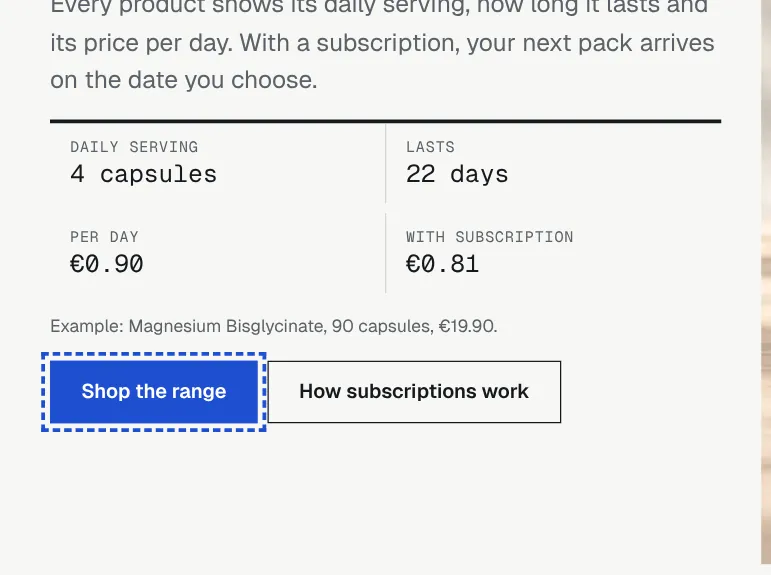
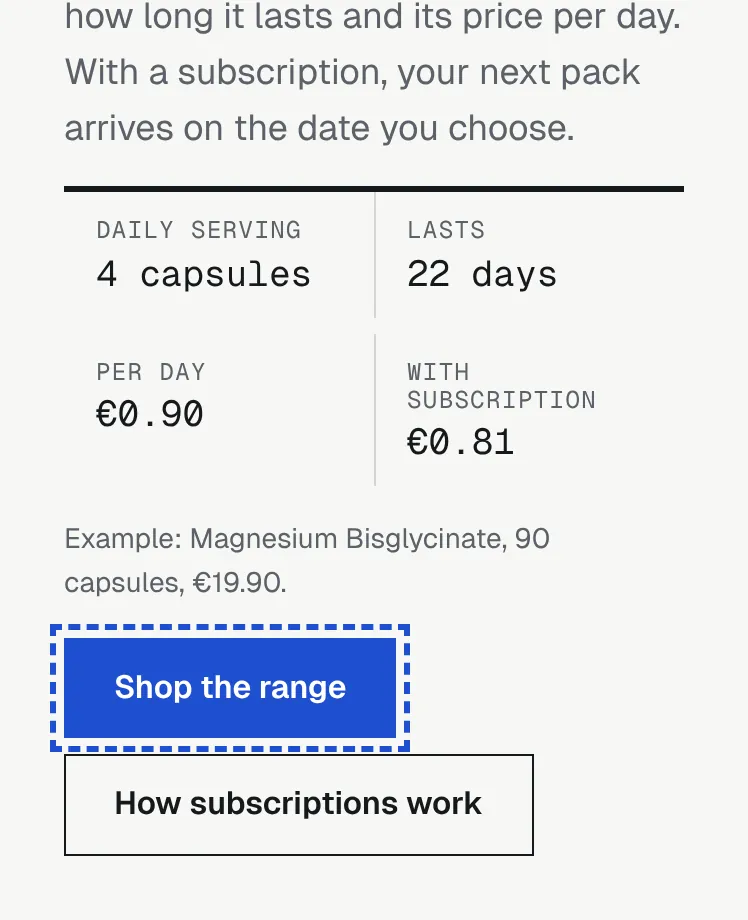
A link shown as a button or as a text link. For example “Shop now”.
What it looks like
 (Show larger)
Example from the demo store Nordform.
Where do I find it?
- Online Store
- Themes
- Customize
- Choose the page at the top: “Home page”
- Add block
- Buttons and promotions
- Button
How to set it up
Button
Shown with default values. Fields that only appear after another setting is changed are folded away below.
Marker 1 Label
Default: Shop now
Style
Default: Primary
4 options
- Primary
- Secondary
- Tertiary
- Text link
Only shown when “Label” is filled in.
Tips
- Most important button: style “Primary”. Further buttons next to it: “Secondary” or “Tertiary”.
- You set what the tertiary button looks like under Theme settings › “Buttons”.