Search
The main section of the search page with the “Search: header” and “Search: results” blocks. The section itself only has color scheme and spacing.
What it looks like
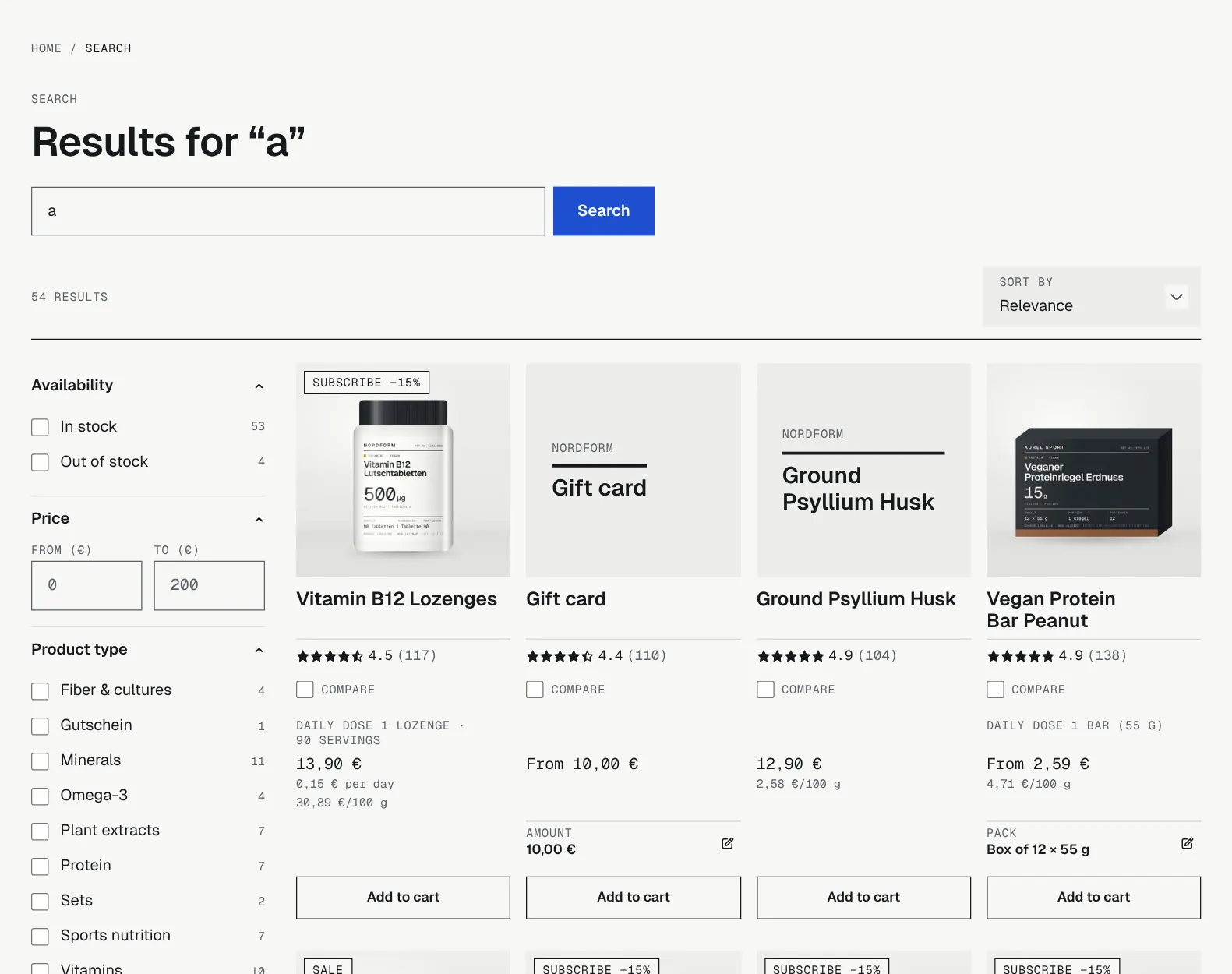
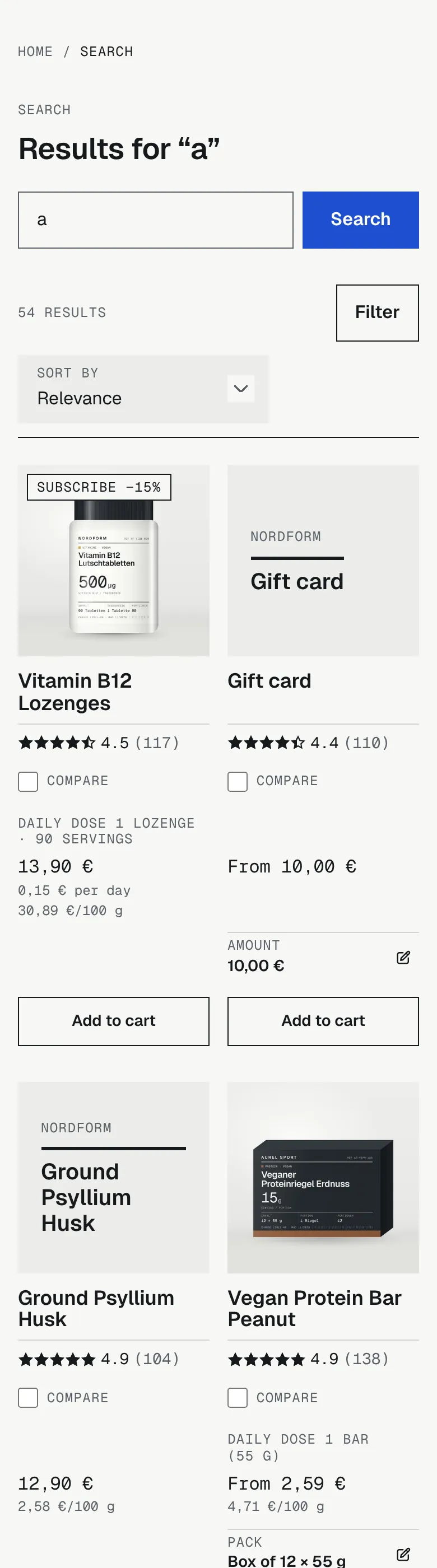 (Show larger)
Marked in the picture
The numbers in the computer picture show where each setting appears.
Example from the demo store Nordform.
Where do I find it?
- Online Store
- Themes
- Customize
- Choose the page at the top: “Search”
- “Template” area in the sidebar
- Search
This section is a fixed part of the “Search” template; it is not offered under “Add section”.
How to set it up
Search
Shown with default values. Fields that only appear after another setting is changed are folded away below.
Color scheme
Default: Scheme 1
Spacing above and below
Default: Small
3 options
- Small
- Medium
- Large
Can contain other blocks (for example heading, text, button).
- Marker 1 Breadcrumbs (own block)
- Marker 2 Search: header (own block)
- Marker 3 Search: results (own block)
Tips
- Filters, columns, key figures and “Pagination” (page numbers, “Load more”, “Automatically on scroll”) are set in the Search: results block.
- Under “No results” → “Suggestions when empty”, choose a collection; up to four of its products appear when a search finds nothing.
- Quick search in the header is set in the Header section.