Footer
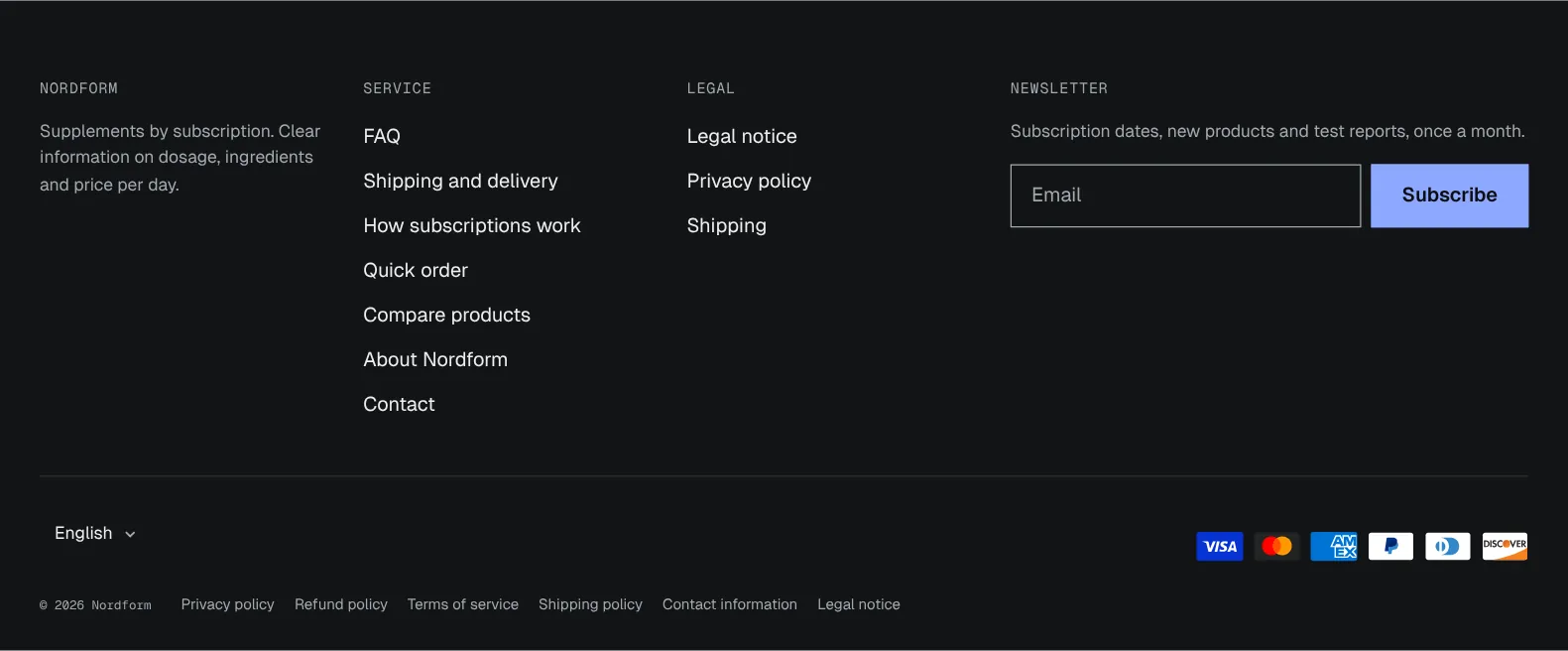
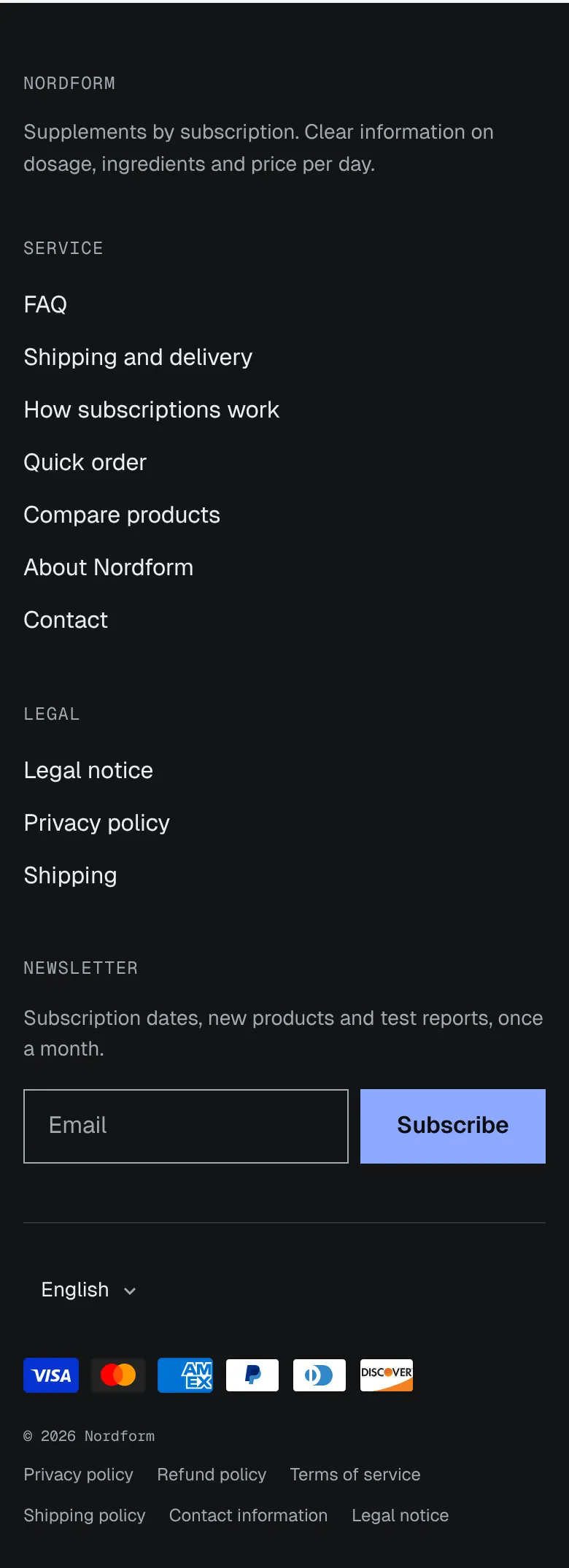
The footer at the bottom of every page with text, menus, newsletter and social media (up to eight blocks in total) and the “Bottom bar” with country, language, payment icons and policies. In the section itself you set the color scheme and the column headings.
What it looks like
 (Show larger)
Marked in the picture
The numbers in the computer picture show where each setting appears.
Example from the demo store Nordform.
Where do I find it?
- Online Store
- Themes
- Customize
- “Footer” area in the sidebar
- Footer
How to set it up
Footer
Shown with default values. Fields that only appear after another setting is changed are folded away below.
Color scheme
Default: Scheme 1
Column headings
Color
Default: Scheme color
7 options
- Scheme color
- Brand color: accent 1
- Brand color: accent 2
- Brand color: promotion / sale
- Brand color: highlight
- Brand color: success / seal
- Custom color
“Scheme color” is the color scheme’s secondary text. If a brand or custom color doesn’t reach 4.5 : 1 on the footer background, the scheme color stays.
Font
Default: Data font
3 options
- Data font
- Heading font
- Body font
Size
Default: Small
3 options
- Small
- Medium
- Large
Bold
Default: Off
Marker 1 Uppercase
Default: On
More fields when “Color” is “Custom color” (1)
Column headings
Custom color
Default: empty
Blocks in this section:
- Marker 2 Text
- Marker 3 Menu
- Marker 4 Newsletter
- Social media
- Bottom bar
Tips
- If you leave a menu block's “Heading” empty, the menu name is used; new menu blocks start with the Shopify menu “Footer”.
- Country and language only appear once more than one country or language is active under Settings → Markets. Which countries the footer offers is set in the “Bottom bar” block – independently of the header.
- “Column headings” → “Color”: if a brand or custom color doesn't reach 4.5 : 1 on the footer background, the scheme color is used.