Video reels
Short portrait videos in a row, like reels.
What it looks like
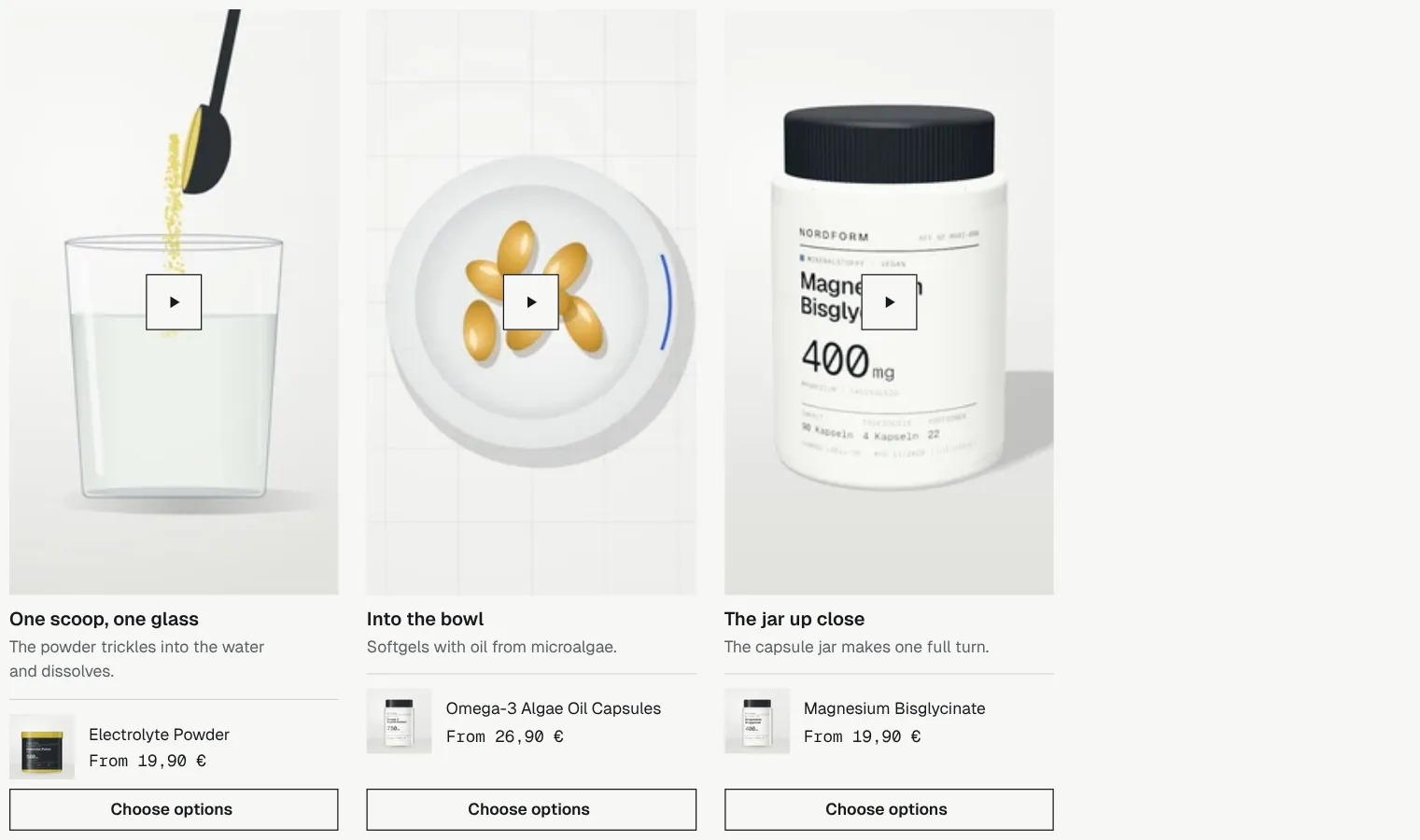
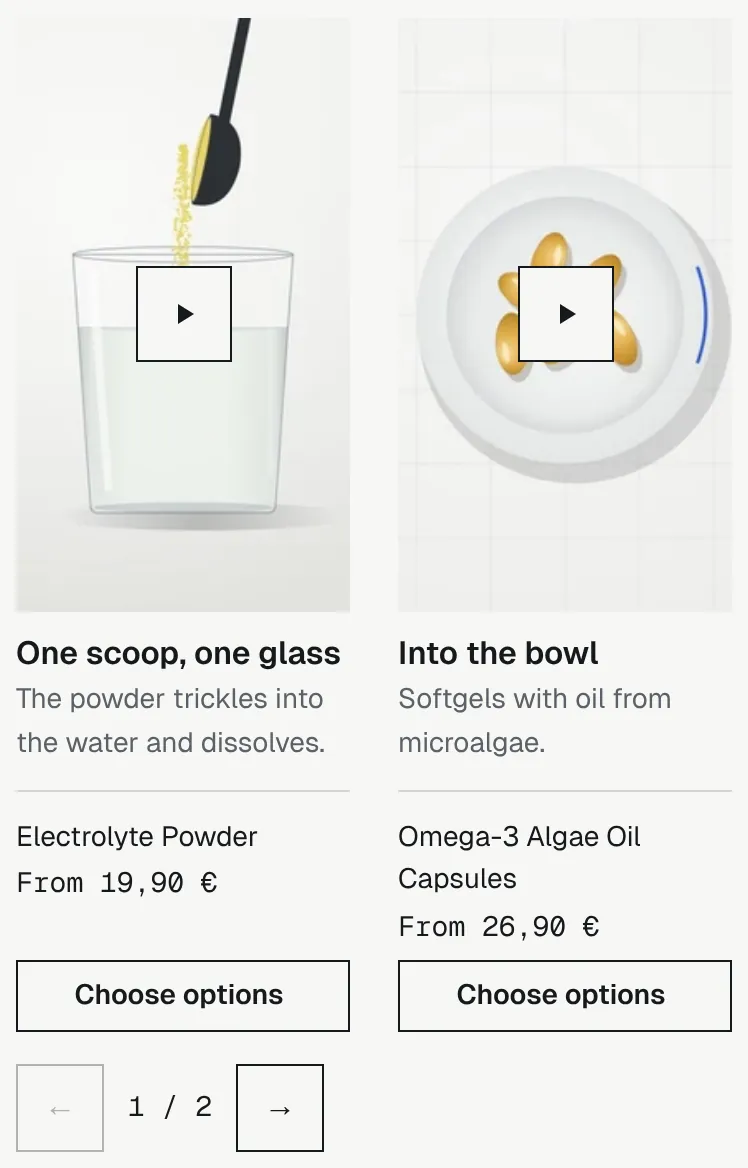 (Show larger)
Marked in the picture
The numbers in the computer picture show where each setting appears.
Example from the demo store Nordform.
Where do I find it?
- Online Store
- Themes
- Customize
- Choose the page at the top: “Home page”
- Add block
- Media
- Video reels
How to set it up
Video reels
Shown with default values. Fields that only appear after another setting is changed are folded away below.
Play muted while visible
Default: On
Never with reduced motion or data saver. Each video has a pause button; a click opens it full screen with sound.
Items visible on large screens
Default: 4
Items visible on small screens
Default: 2
Marker 1 Name for screen readers
empty
Can contain other blocks (for example heading, text, button).
Tips
- A click opens a video with sound in full screen.
- With reduced motion and in data saver mode, the videos don’t play by themselves.