Tabs
Content in tabs side by side, e.g. description, usage, ingredients.
What it looks like
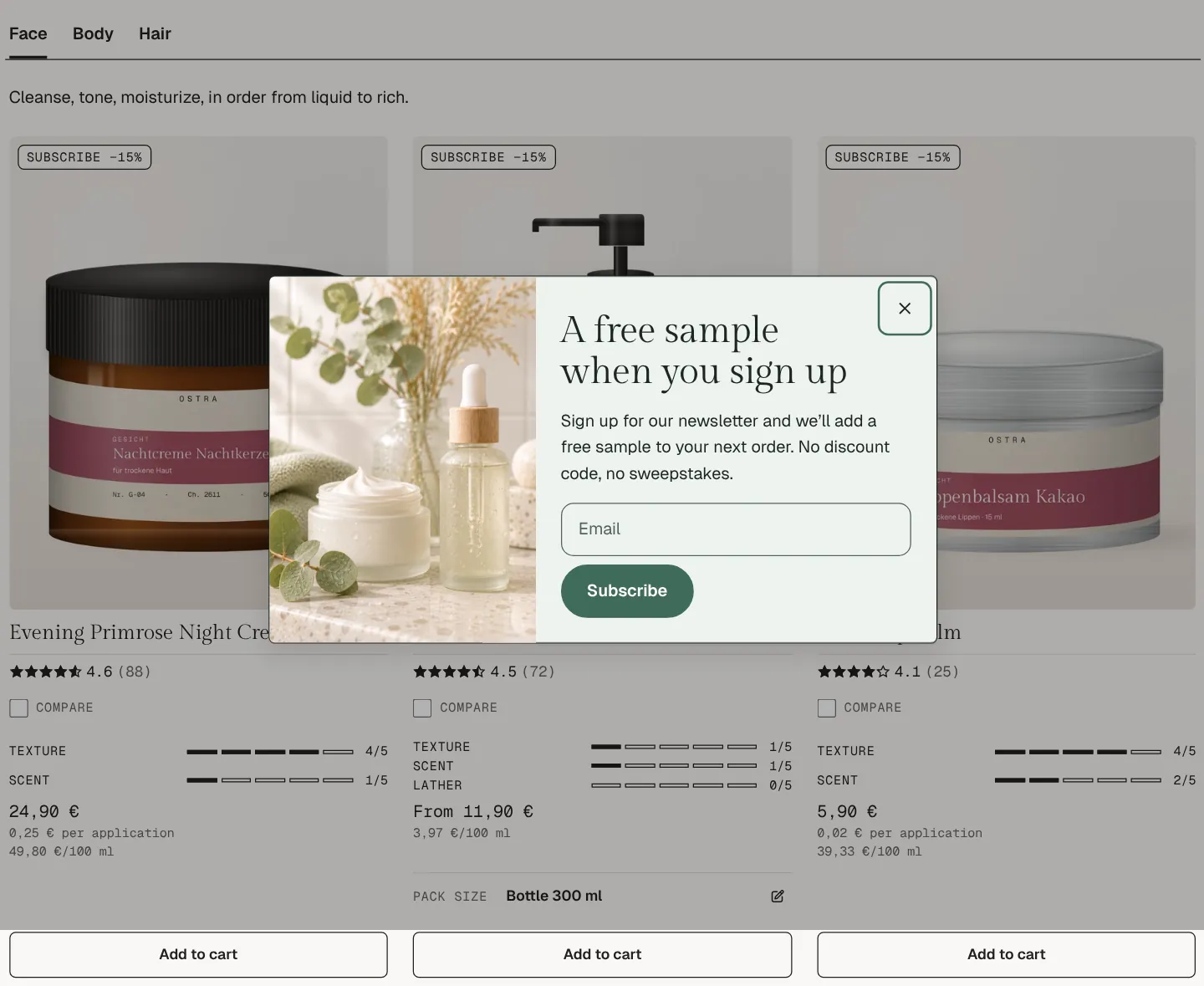
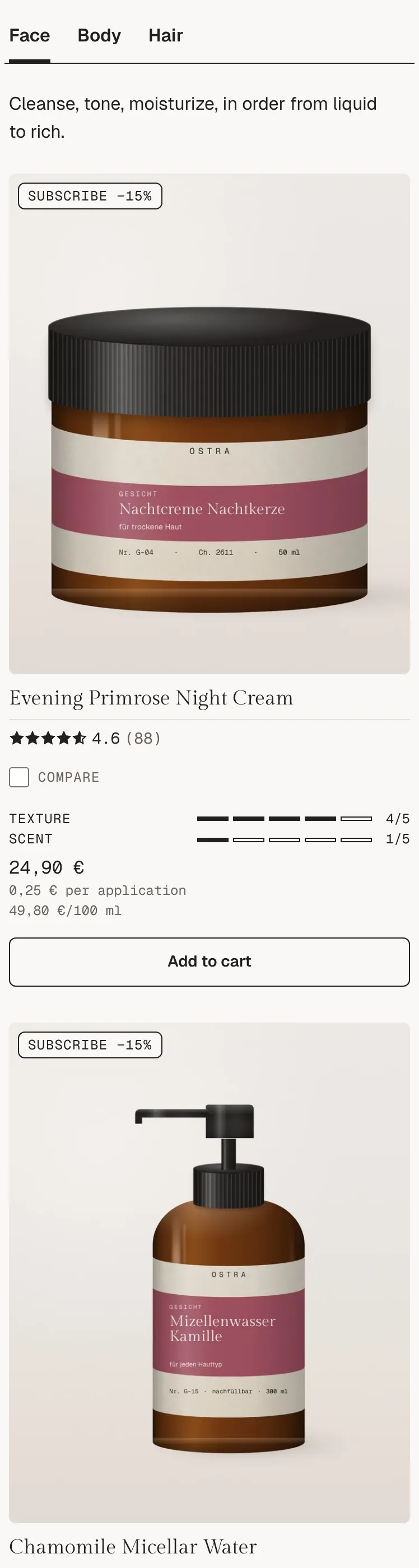 (Show larger)
Example from the demo store OSTRA.
Where do I find it?
- Online Store
- Themes
- Customize
- Choose the page at the top: “Home page”
- Add block
- Collapsibles and tabs
- Tabs
How to set it up
Tabs
Shown with default values. Fields that only appear after another setting is changed are folded away below.
Each tab is a separate block. Empty tabs are hidden.
Space between tabs and content
Default: Medium
5 options
- Extra small
- Small
- Medium
- Large
- Extra large
Can contain other blocks (for example heading, text, button).
Tips
- A tab can be connected to a product metafield and hold further blocks.