Routine with products
A routine in steps with one product per step, e.g. cleanse, care, protect.
What it looks like
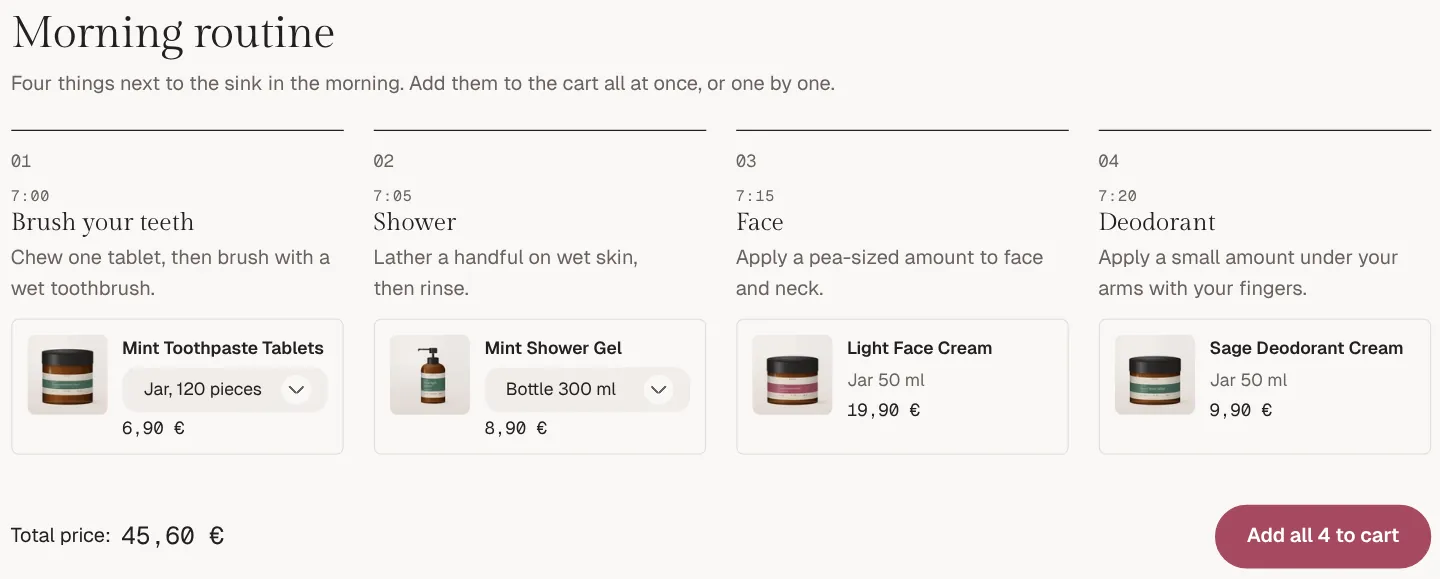
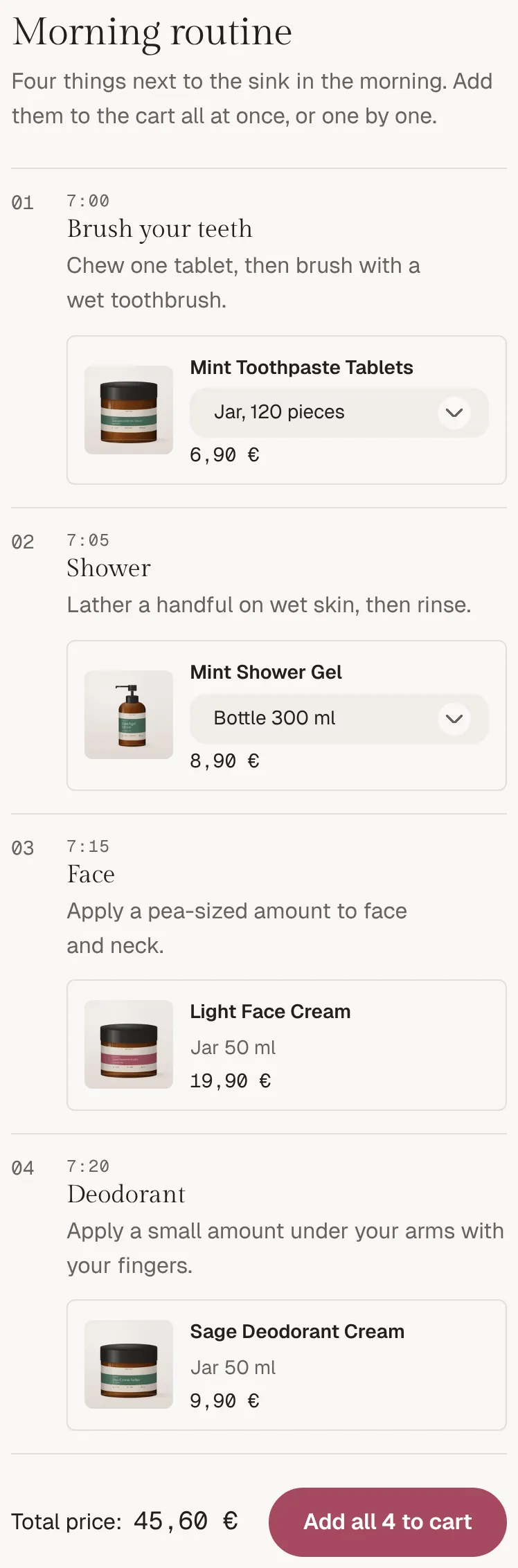 (Show larger)
Marked in the picture
The numbers in the computer picture show where each setting appears.
- 1 = Heading
Example from the demo store OSTRA.
Where do I find it?
- Online Store
- Themes
- Customize
- Choose the page at the top: “Home page”
- Add block
- Products and collections
- Routine with products
How to set it up
Routine with products
Shown with default values. Fields that only appear after another setting is changed are folded away below.
Marker 1 Heading
Text in double square brackets is highlighted, e.g. [[refill]].
Heading level (SEO)
4 options
- H2 – Section
- H3 – Subsection
- H4 – Minor subsection
- Normal text
Only shown when “Heading” is filled in.
Introduction
Text in double square brackets is highlighted, e.g. [[refill]].
Layout
2 options
- Stacked
- Side by side
“Side by side” from 600 px container width, narrower stacked.
Number the steps
Cart
Show “Add all to cart”
Adds all available products of the steps to the cart with one click; sold-out ones are skipped. For a discount, create an automatic discount.
Button style
3 options
- Primary
- Secondary
- Tertiary
Only shown when “Show “Add all to cart”” is on.
Can contain other blocks (for example heading, text, button).
Tips
- “Add all to cart” adds all available products at once.
- For a discount, create an automatic discount.