Recently viewed
The products a customer viewed recently. Stored only in the customer’s browser.
What it looks like
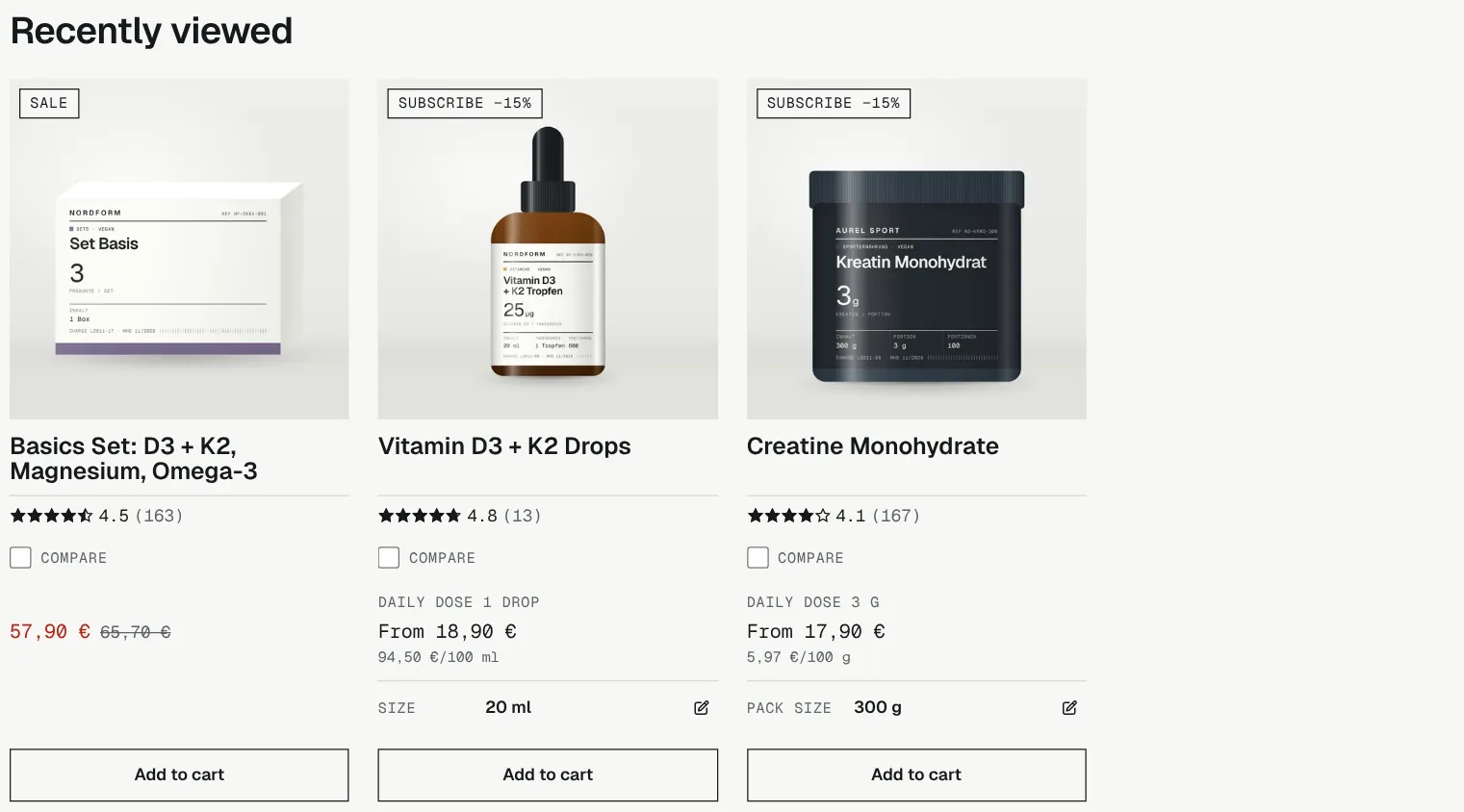
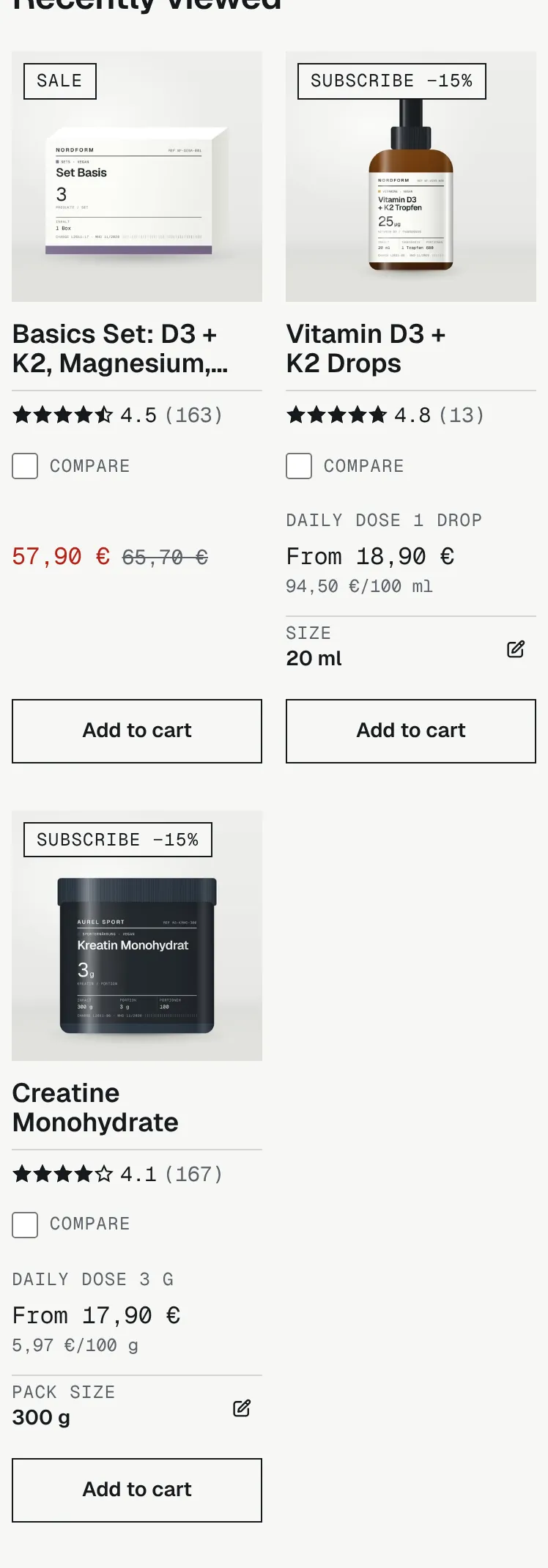 (Show larger)
Marked in the picture
The numbers in the computer picture show where each setting appears.
- 1 = Heading
Example from the demo store Nordform.
Where do I find it?
- Online Store
- Themes
- Customize
- Choose the page at the top: “Products › Default product”
- Add block
- Products and collections
- Recently viewed
How to set it up
Recently viewed
Shown with default values. Fields that only appear after another setting is changed are folded away below.
Shows the products a visitor viewed last (stored in their browser only).
Marker 1 Heading
Default: Recently viewed
Text in double square brackets is highlighted, e.g. [[refill]].
Number of products
Default: 4
Show unit price
Default: On
Price per unit of measure, e.g. €16.86/100 g. Usually required in the EU for goods sold by weight, volume or length: only turn off if it isn’t needed here.
More fields when “Show profile scales on product cards” is on (1)
Show profile scales (e.g. scent, texture)
Default: On
Only when “Show profile scales on product cards” is on in theme settings.
More fields when ““Compare” checkbox on product cards” is on (1)
Show “Compare” checkbox
Default: On
Only when the “Compare” checkbox is on in theme settings (product cards).
Tips
- The block only appears once someone has viewed other products.