Product finder
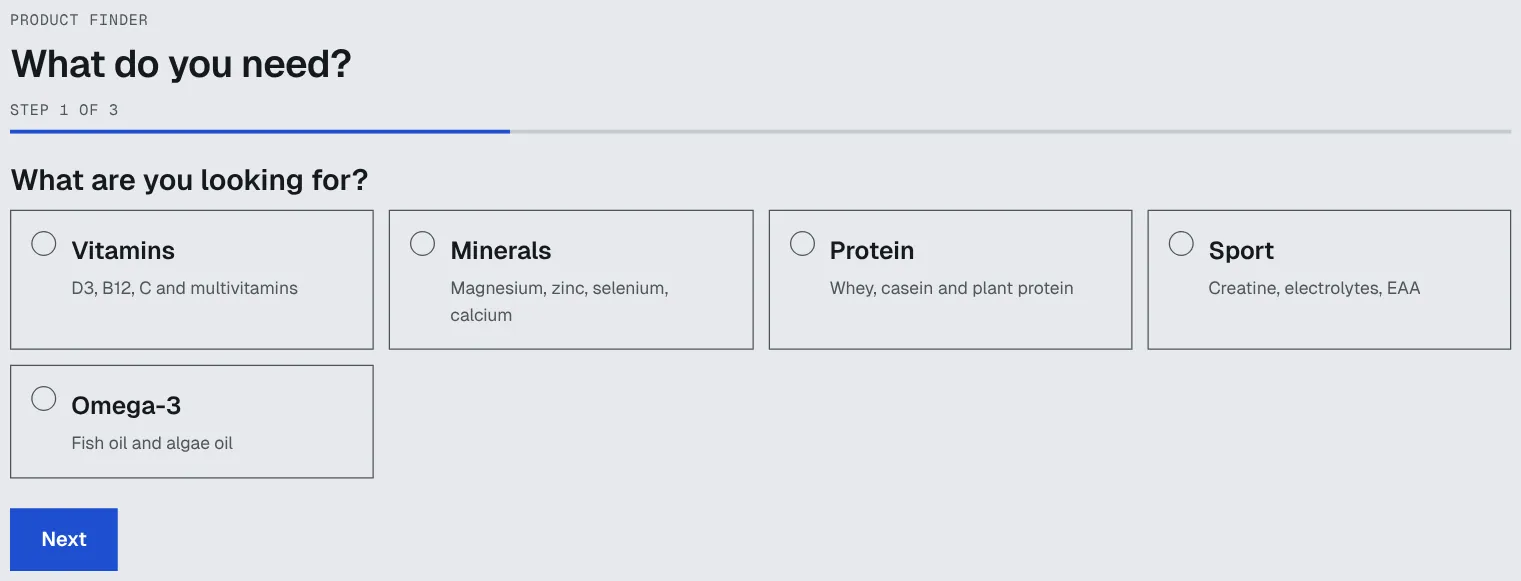
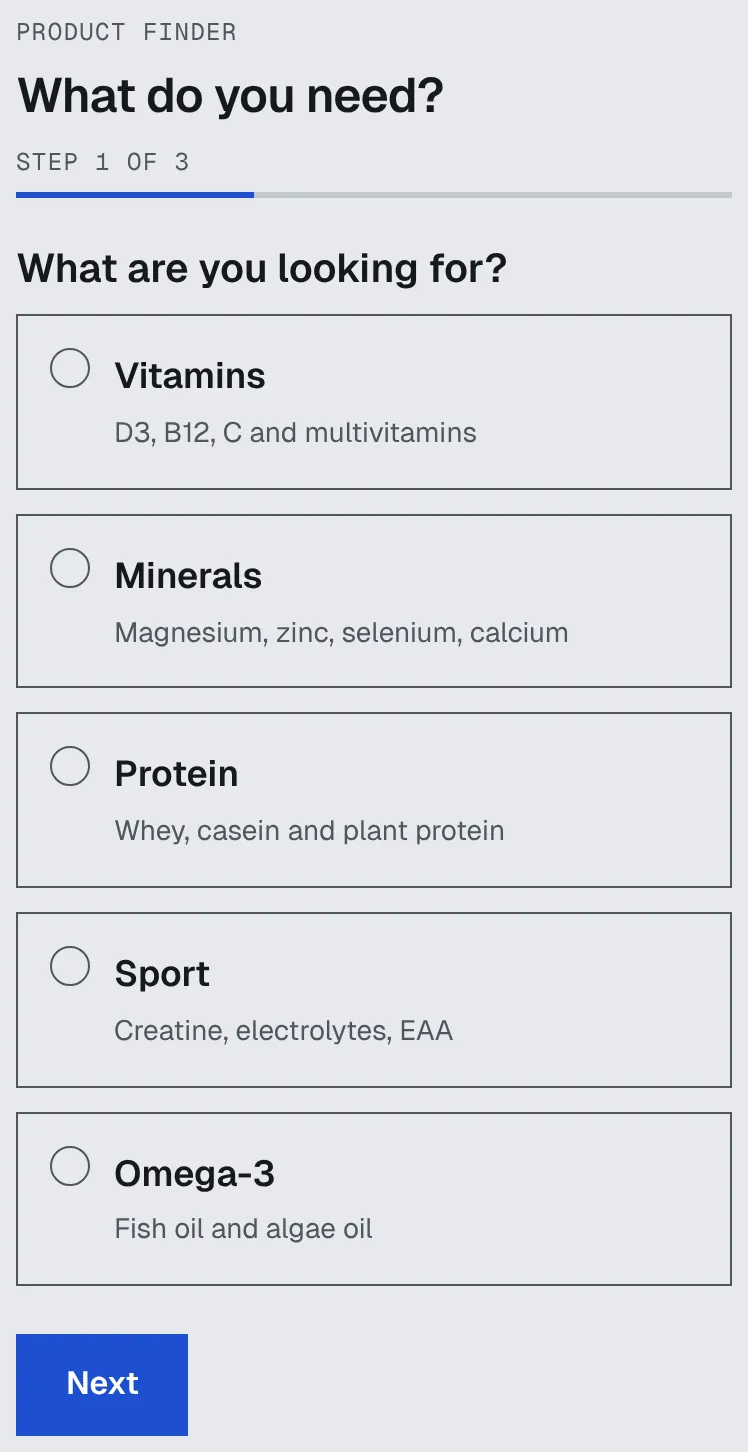
A question with answers that lead to matching products.
What it looks like
 (Show larger)
Marked in the picture
The numbers in the computer picture show where each setting appears.
- 1 = Eyebrow text
Example from the demo store Nordform.
Where do I find it?
- Online Store
- Themes
- Customize
- Choose the page at the top: “Home page”
- Add block
- Forms
- Product finder
How to set it up
Product finder
Shown with default values. Fields that only appear after another setting is changed are folded away below.
Add “Question” blocks for a finder with several steps: each answer sets a filter of the collection (filters from the Search & Discovery app). With “Answer option” blocks it stays one question with links.
Marker 1 Eyebrow text
Text in double square brackets is highlighted, e.g. [[refill]].
Question
Text in double square brackets is highlighted, e.g. [[refill]].
Heading level (SEO)
4 options
- H2 – Section
- H3 – Subsection
- H4 – Minor subsection
- Normal text
Only shown when “Question” is filled in.
Questions (several steps)
Collection for the results
Empty = all products. The answers’ filters must be enabled for collections in the Search & Discovery app.
After the last question
2 options
- Open the filtered collection
- Show products here
More fields when “After the last question” is “Show products here” (4)
Questions (several steps)
Products shown
Show profile scales (e.g. scent, texture)
Only when “Show profile scales on product cards” is on in theme settings.
Only shown when “After the last question” is “Show products here” and “Show profile scales on product cards” is on.
Show unit price
Price per unit of measure, e.g. €16.86/100 g. Usually required in the EU for goods sold by weight, volume or length: only turn off if it isn’t needed here.
Show “Compare” checkbox
Only when the “Compare” checkbox is on in theme settings (product cards).
Only shown when “After the last question” is “Show products here” and ““Compare” checkbox on product cards” is on.
Can contain other blocks (for example heading, text, button).
Tips
- The answers’ filters must be active for collections in the Search & Discovery app.