Newsletter signup
An email field for newsletter signup.
What it looks like
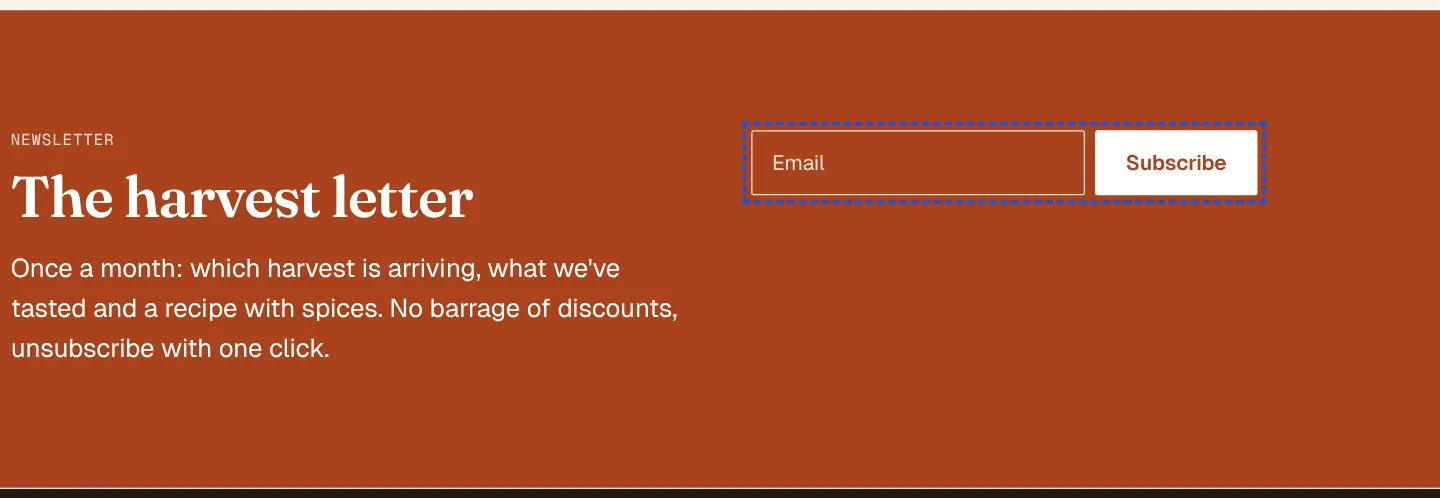
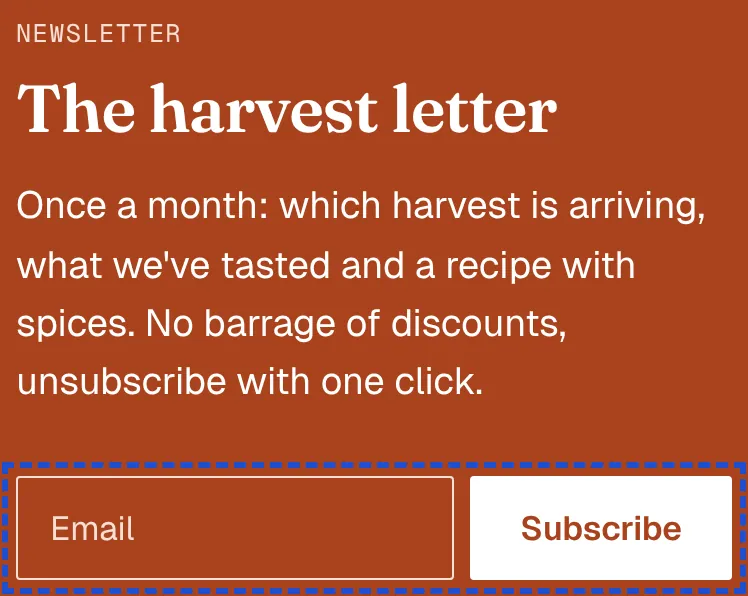 (Show larger)
Example from the demo store Kessel & Blatt.
Where do I find it?
- Online Store
- Themes
- Customize
- Choose the page at the top: “Home page”
- Add block
- Forms
- Newsletter signup
How to set it up
Newsletter signup
Shown with default values. Fields that only appear after another setting is changed are folded away below.
Customer tags
Default: newsletter
Added to the customer on signup, comma-separated.
Tips
- With “Customer tags” you can tell later where someone signed up. Separate several tags with commas.