Line animation
Wavy lines that move as you scroll. Pure decoration.
What it looks like
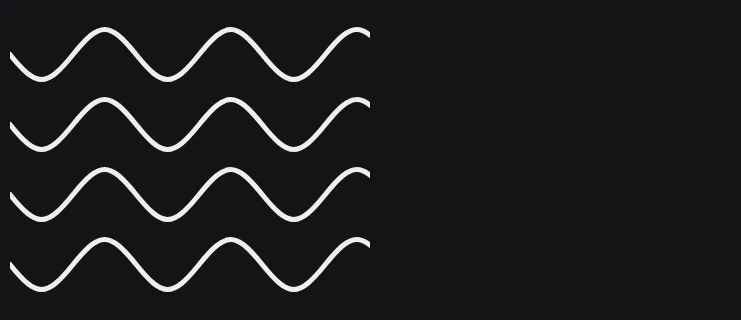
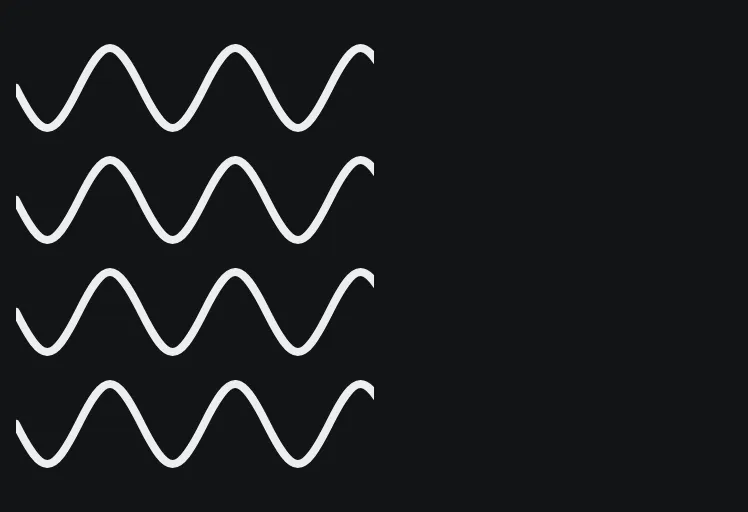 (Show larger)
Example from the demo store Nordform.
Where do I find it?
- Online Store
- Themes
- Customize
- Choose the page at the top: “Home page”
- Add block
- Media
- Line animation
How to set it up
Line animation
Shown with default values. Fields that only appear after another setting is changed are folded away below.
Decorative wave lines that move sideways while scrolling. They stand still with “Reduce motion” and without JavaScript.
Number of lines
Default: 4
Color
Default: Scheme: text
8 options
- Scheme: text
- Scheme: secondary text
- Scheme: accent
- Brand color: accent 1
- Brand color: accent 2
- Brand color: promotion / sale
- Brand color: highlight
- Brand color: success / seal
Line width
Default: 4 px
Appearance
Width
Default: 50%
Height
Default: 240 px
Match group alignment
Default: On
Uses the alignment of the group or section. Turn off to choose an alignment of its own. Learn more
Movement while scrolling
Default: 900
How far the waves travel while the block passes through the screen. Higher: faster.
More fields when “Match group alignment” is off (1)
Appearance
Alignment
Default: Left
3 options
- Left
- Center
- Right
Tips
- “Movement while scrolling”: the higher the value, the faster the waves move.