Ingredients: spotlight
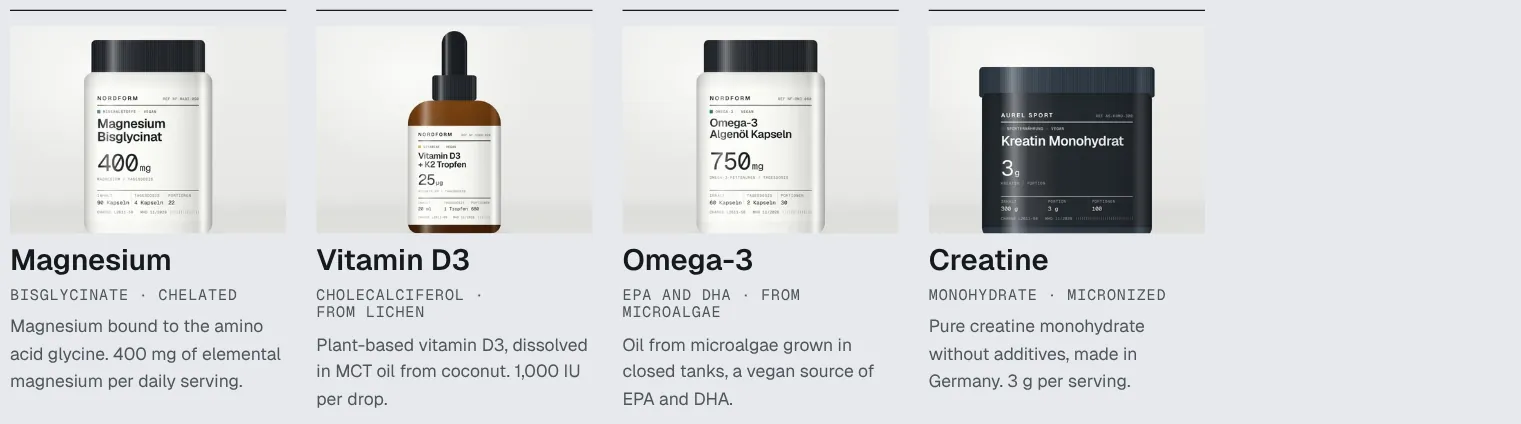
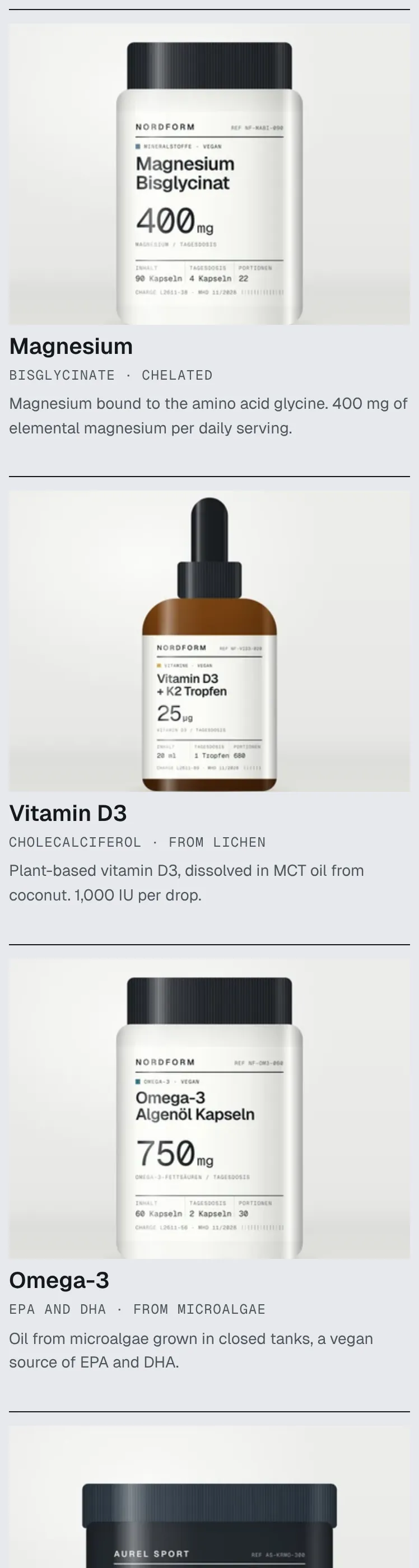
The key ingredients of a product with image, source and a short text.
What it looks like
 (Show larger)
Marked in the picture
The numbers in the computer picture show where each setting appears.
- 1 = Heading
Example from the demo store Nordform.
Where do I find it?
- Online Store
- Themes
- Customize
- Choose the page at the top: “Home page”
- Add block
- Ingredients
- Ingredients: spotlight
How to set it up
Ingredients: spotlight
Shown with default values. Fields that only appear after another setting is changed are folded away below.
Marker 1 Heading
Default: Key ingredients
Text in double square brackets is highlighted, e.g. [[refill]].
Line above each ingredient
Default: On
Data source (change only for custom metafields)
Metafield: ingredients (list of metaobjects)
Default: custom.key_ingredients
Format namespace.key. Find it under Settings → Custom data.
Metaobject fields: name, form, source, description, image. If the metafield is empty, the ingredient blocks are shown.
Can contain other blocks (for example heading, text, button).
Tips
- The ingredients come from a metafield with a list of metaobjects.