Ingredient: profile
One ingredient in detail, e.g. on its glossary page.
What it looks like
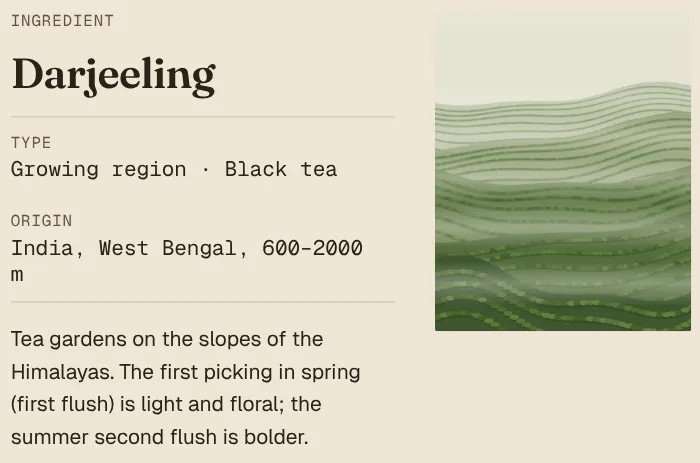
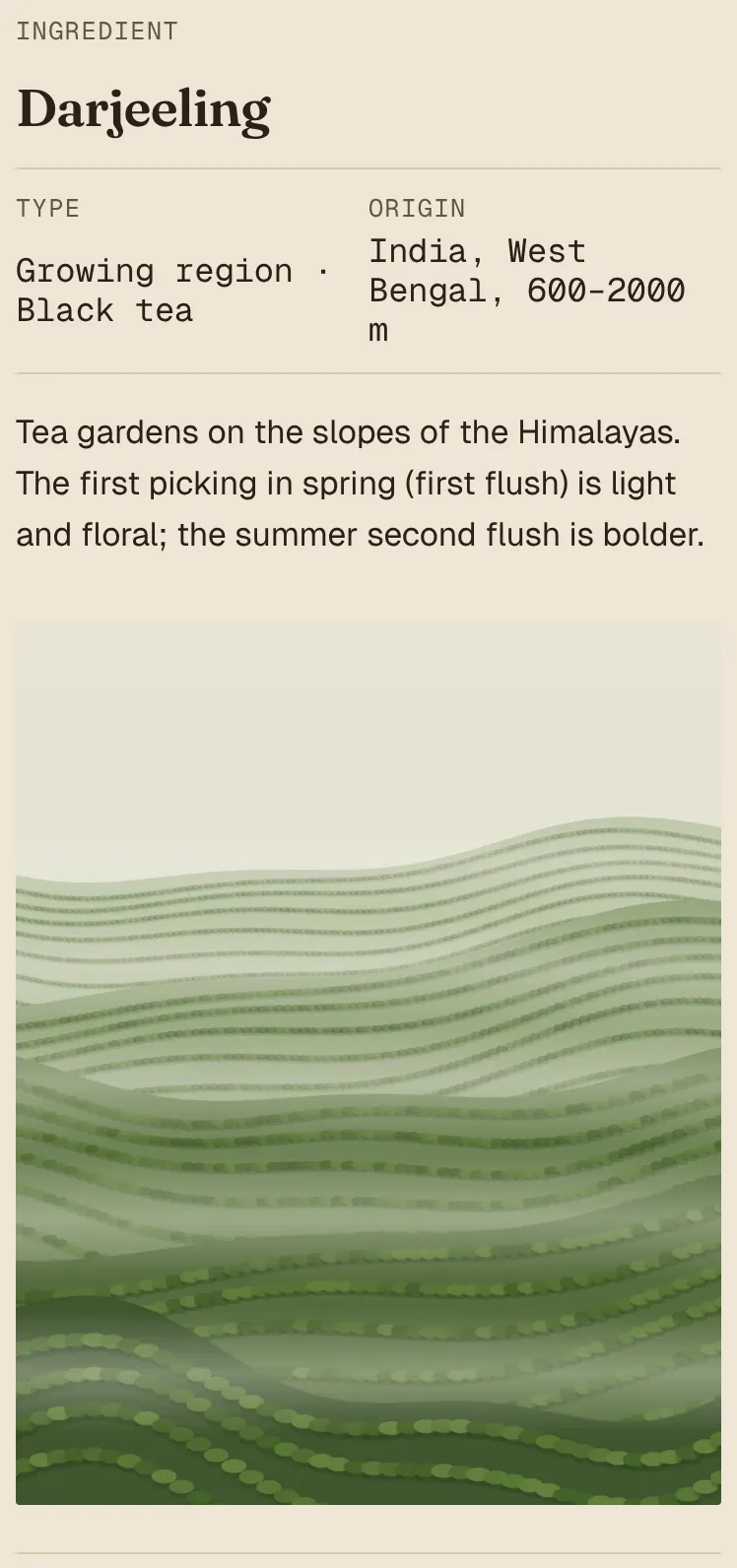 (Show larger)
Example from the demo store Kessel & Blatt.
Where do I find it?
- Online Store
- Themes
- Customize
- Choose the page at the top: “Pages › Default page”
- Add block
- Ingredients
- Ingredient: profile
How to set it up
Ingredient: profile
Shown with default values. Fields that only appear after another setting is changed are folded away below.
Shows name, up to three details (e.g. form and source), description and image of an ingredient. On ingredient pages, the current entry is used automatically.
Ingredient handle
Only needed outside ingredient pages. Handle of the entry under Content › Metaobjects › Ingredient, for example magnesium, darjeeling or shea-butter.
Show image
Overline
Short label above the name. Empty = “Ingredient”. Example: Growing region, Raw material.
Details
Each detail shows one field of the ingredient metaobject. Key: field key, e.g. form, source, vegan, function or altitude. Empty key: detail hidden. Yes/no fields appear as “Yes” or “No”.
Detail 1: label
Empty: default label for form, source and vegan, otherwise the key.
Detail 1: field key
Detail 2: label
Empty: default label for form, source and vegan, otherwise the key.
Detail 2: field key
Detail 3: label
Empty: default label for form, source and vegan, otherwise the key.
Detail 3: field key
Tips
- On ingredient pages the block shows that page’s entry. Elsewhere, enter the handle, e.g. magnesium.