Ingredients: glossary
All ingredients from A to Z, with a jump bar.
What it looks like
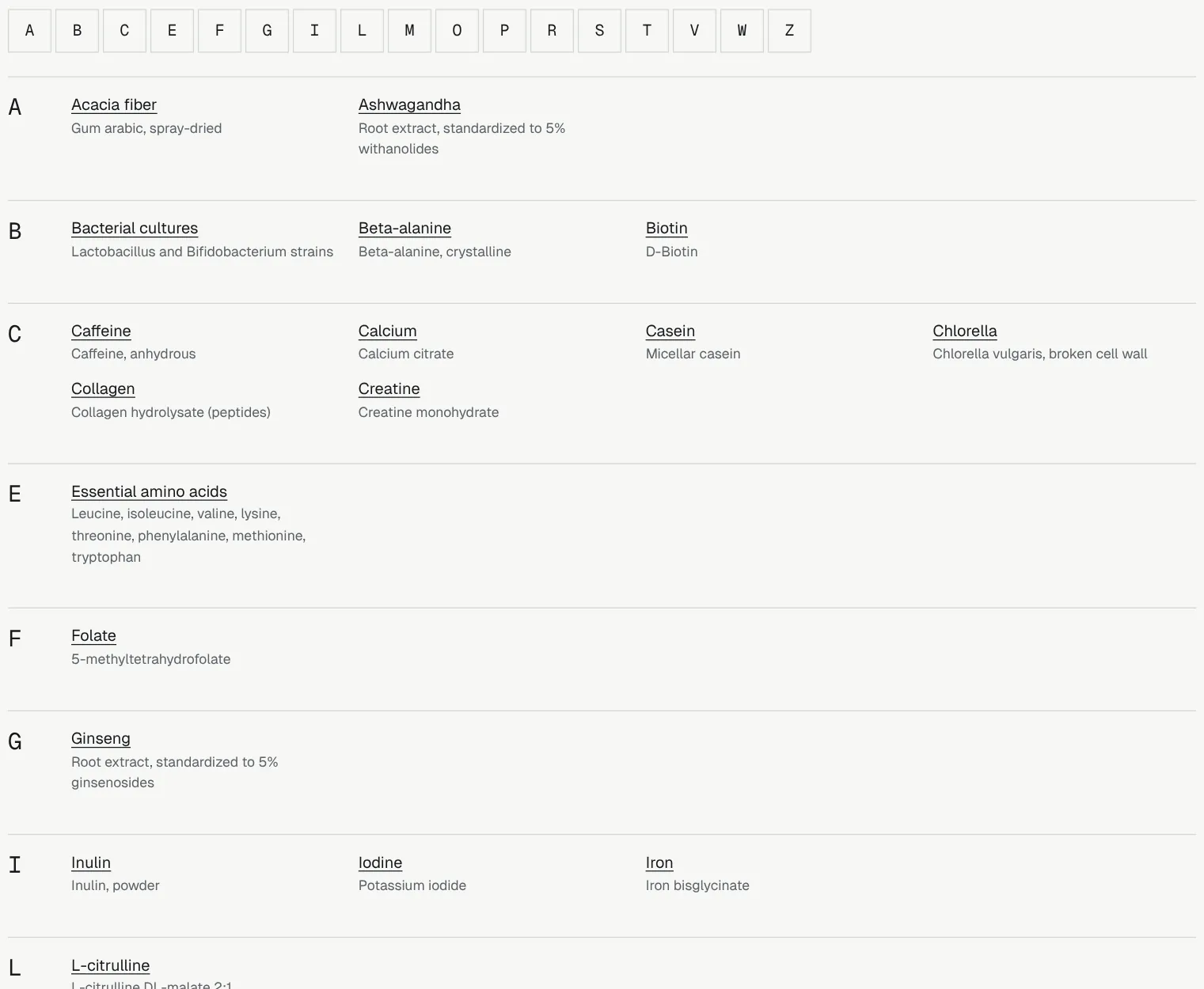
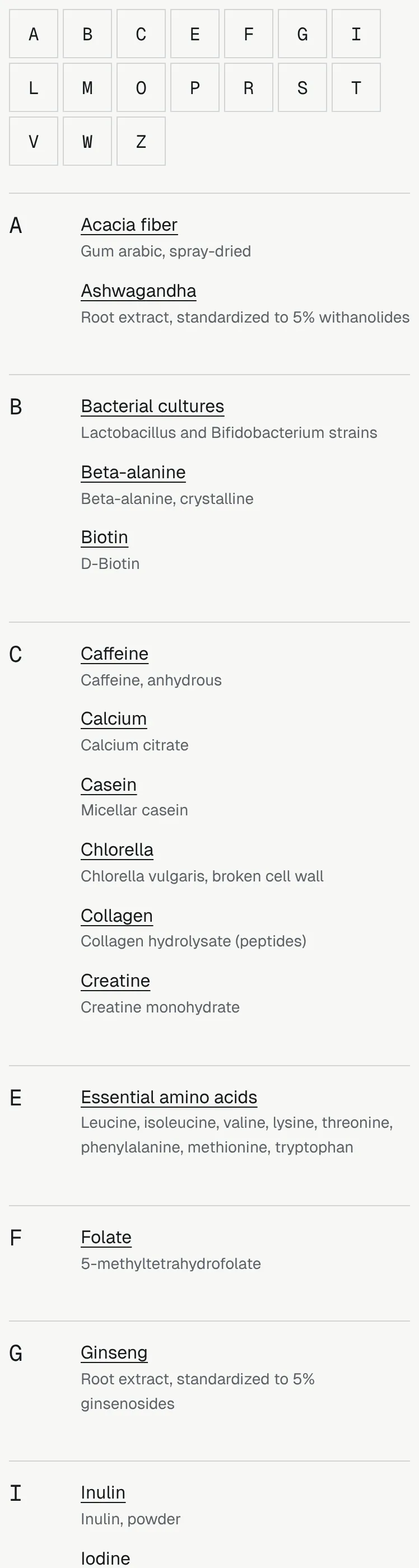 (Show larger)
Marked in the picture
The numbers in the computer picture show where each setting appears.
- 1 = Heading
Example from the demo store Nordform.
Where do I find it?
- Online Store
- Themes
- Customize
- Choose the page at the top: “Pages › Default page”
- Add block
- Ingredients
- Ingredients: glossary
How to set it up
Ingredients: glossary
Shown with default values. Fields that only appear after another setting is changed are folded away below.
Lists all ingredients from A to Z. For a page per ingredient, turn on “Web pages” under Settings → Custom data → Metaobjects → Ingredient. Up to 250 entries.
Marker 1 Heading
empty
Text in double square brackets is highlighted, e.g. [[refill]].
Tips
- The block belongs on the glossary overview page.