FAQ
Questions and answers that open with a click. Search engines recognise them as an FAQ.
What it looks like
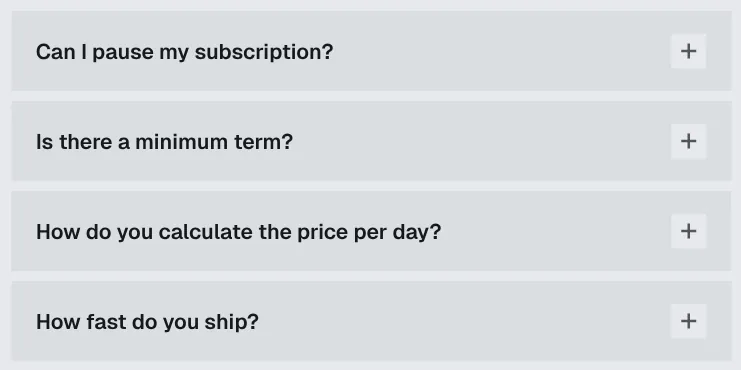
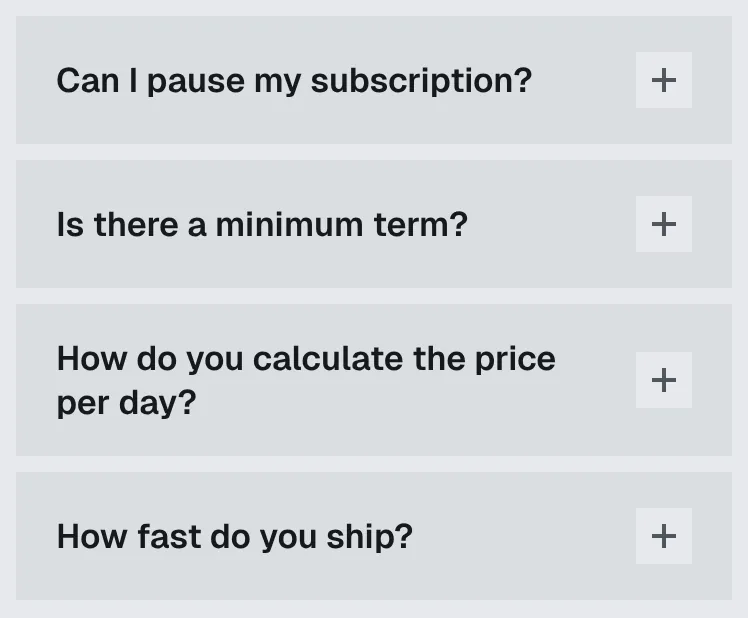 (Show larger)
Example from the demo store Nordform.
Where do I find it?
- Online Store
- Themes
- Customize
- Choose the page at the top: “Home page”
- Add block
- Collapsibles and tabs
- FAQ
How to set it up
FAQ
Shown with default values. Fields that only appear after another setting is changed are folded away below.
Heading
Default: Frequently asked questions
Text in double square brackets is highlighted, e.g. [[refill]].
Heading level (SEO)
Default: H2 – Section
4 options
- H2 – Section
- H3 – Subsection
- H4 – Minor subsection
- Normal text
Only shown when “Heading” is filled in.
Anchor
empty
Name without # or spaces, e.g. shipping. A button or link to #shipping jumps here.
Can contain other blocks (for example heading, text, button).
Tips
- Add one “Question” sub-block per question.
- With an “Anchor” (e.g. shipping), a link to #shipping jumps straight here.