Contact form
Shopify’s contact form, optionally with a phone field.
What it looks like
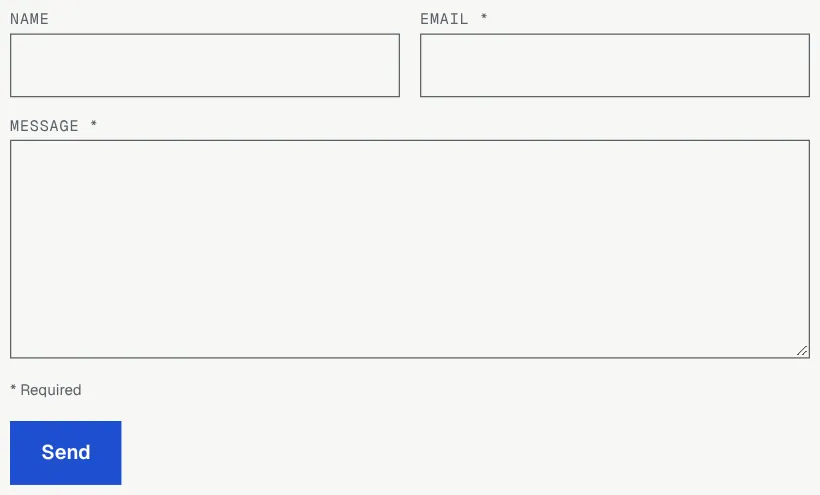
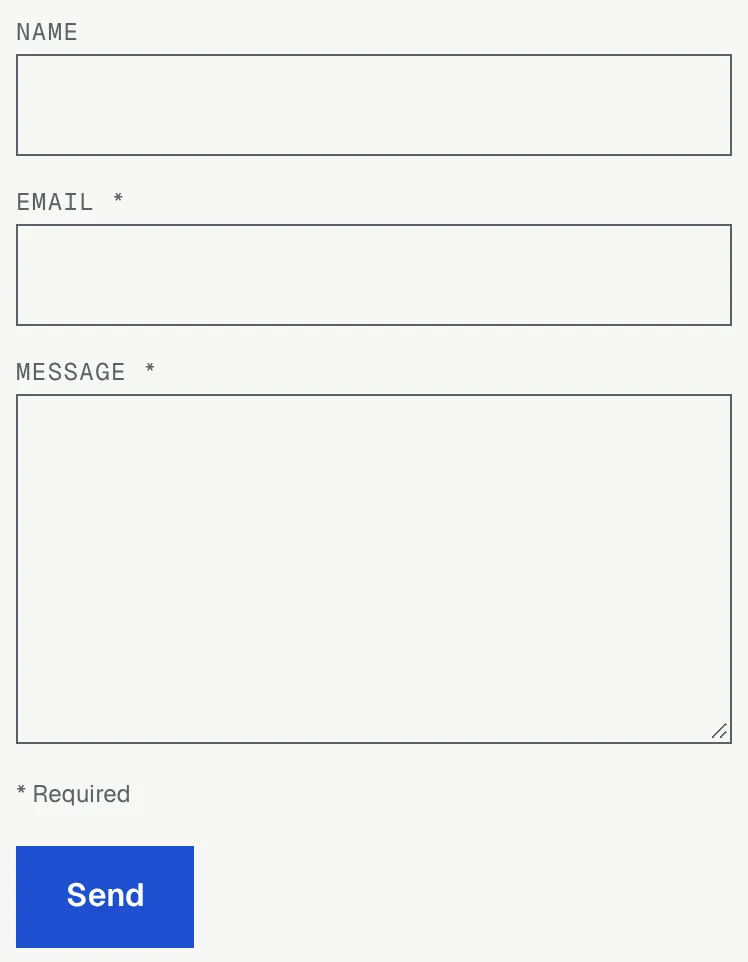 (Show larger)
Example from the demo store Nordform.
Where do I find it?
- Online Store
- Themes
- Customize
- Choose the page at the top: “Pages › Default page”
- Add block
- Forms
- Contact form
How to set it up
Contact form
Shown with default values. Fields that only appear after another setting is changed are folded away below.
Heading
empty
Text in double square brackets is highlighted, e.g. [[refill]].
Show phone field
Default: Off
Width
Default: Reading width
2 options
- Reading width
- Full column width