Comparison table
Two columns compared, e.g. “Our product” and “Others”.
What it looks like
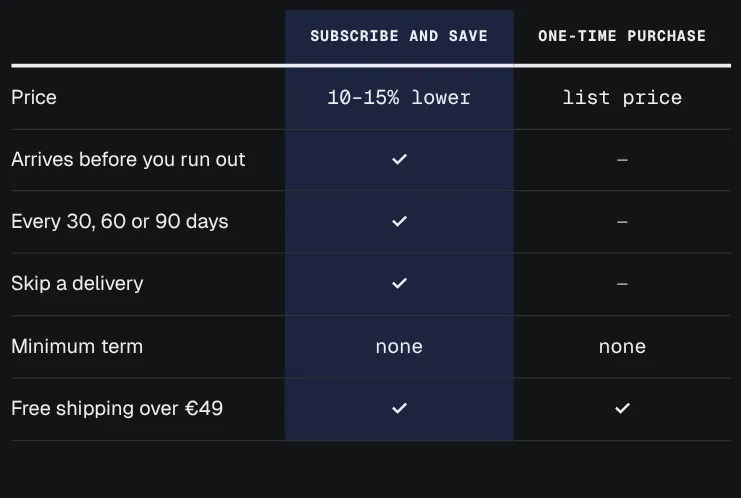
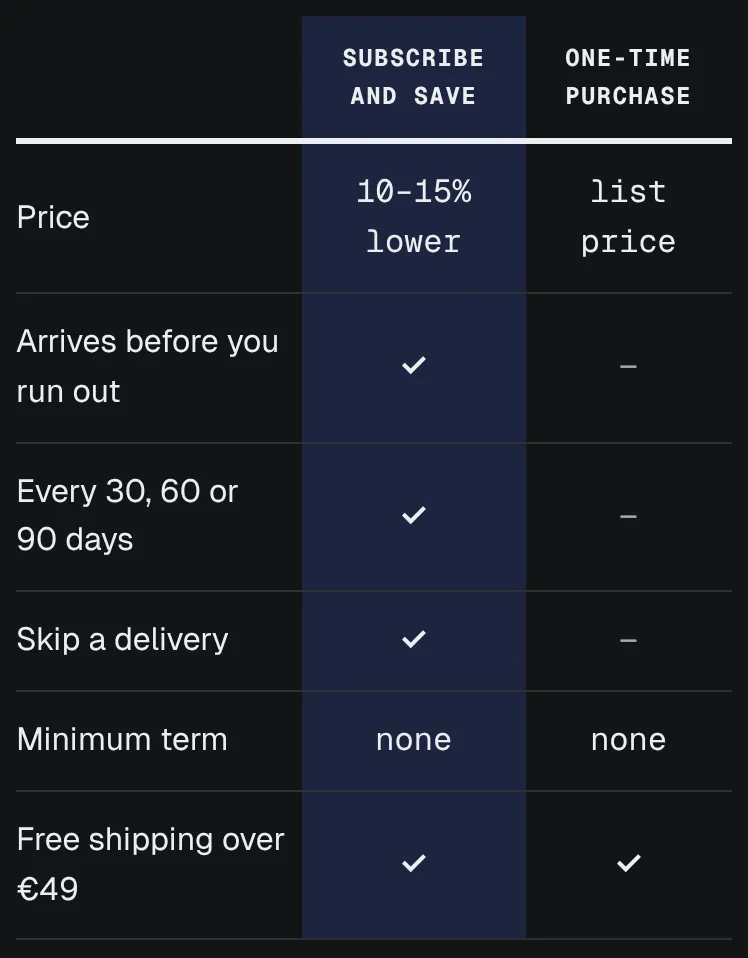 (Show larger)
Example from the demo store Nordform.
Where do I find it?
- Online Store
- Themes
- Customize
- Choose the page at the top: “Home page”
- Add block
- Benefits and comparison
- Comparison table
How to set it up
Comparison table
Shown with default values. Fields that only appear after another setting is changed are folded away below.
Heading
Default: Comparison
Text in double square brackets is highlighted, e.g. [[refill]].
Column 1
Default: Our product
Text in double square brackets is highlighted, e.g. [[refill]].
Column 2
Default: Typical alternative
Text in double square brackets is highlighted, e.g. [[refill]].
Rows
Default: Free shipping | yes | no
Personal advice | yes | no
30-day returns | yes | no
One row per line: Feature | Value 1 | Value 2. yes/no become ✓ and –.
Tips
- One row per feature: feature | value 1 | value 2.
- “yes” and “no” automatically become ✓ and –.