Subcollections
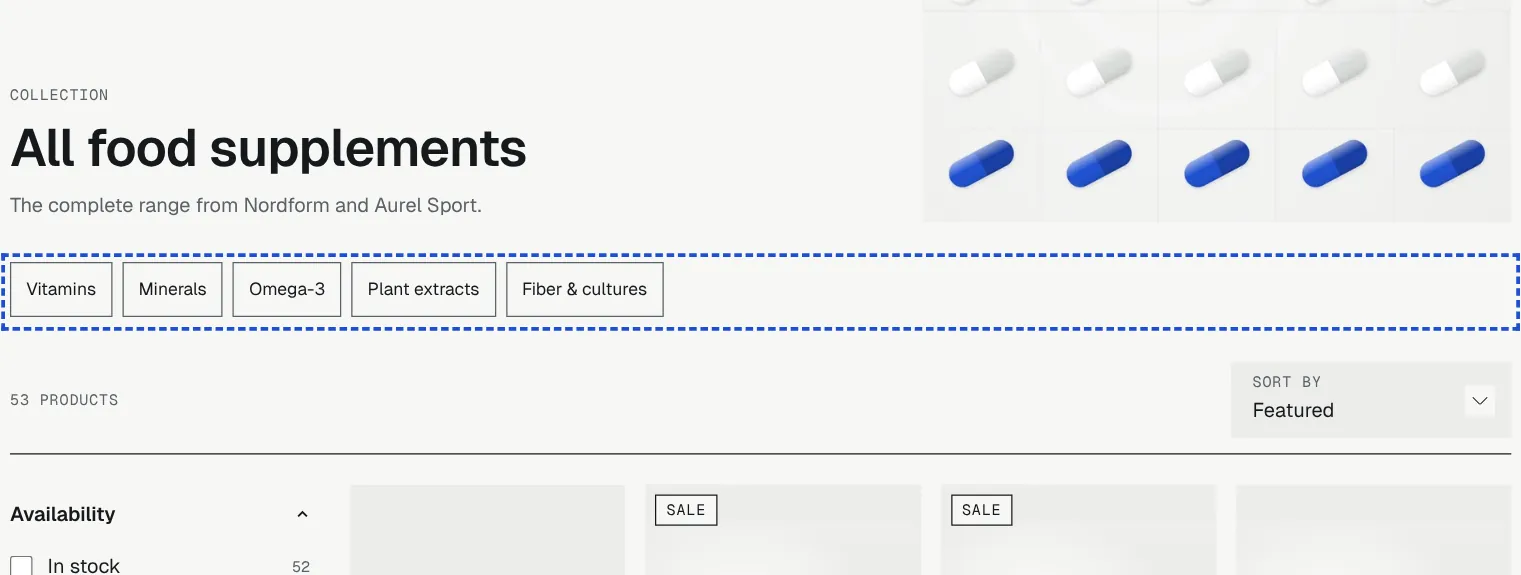
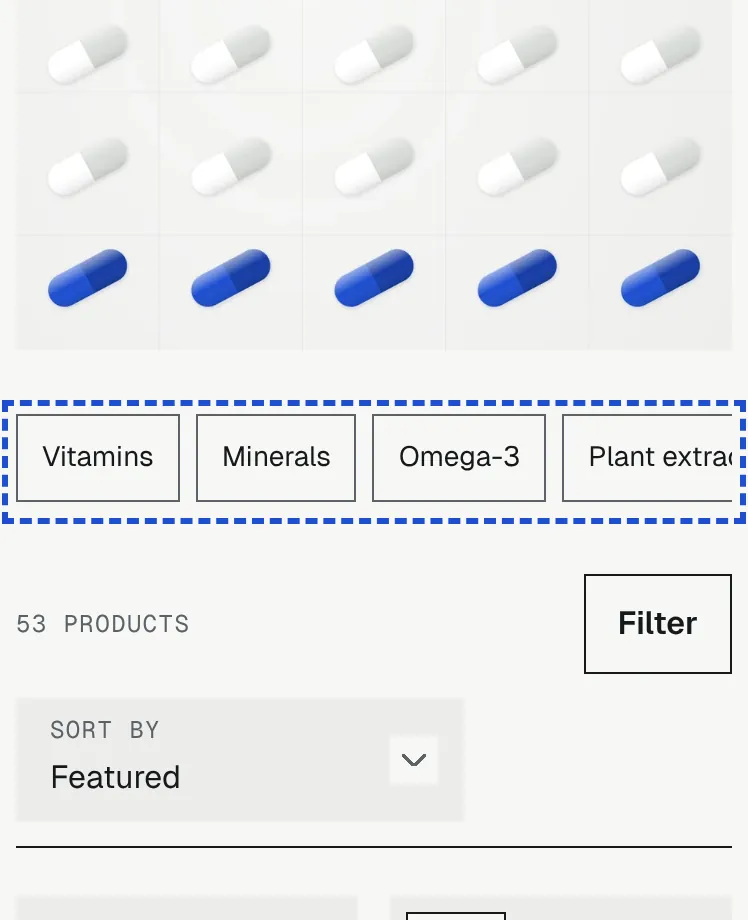
A bar of subcollections, e.g. “Vitamins” and “Minerals” under “Supplements”.
What it looks like
 (Show larger)
Example from the demo store Nordform.
Where do I find it?
- Online Store
- Themes
- Customize
- Choose the page at the top: “Collections › Default collection”
- Add block
- Products and collections
- Subcollections
How to set it up
Subcollections
Shown with default values. Fields that only appear after another setting is changed are folded away below.
Source in this order: subcollections from the collection metafield (under “Data source”), otherwise the selected collections, otherwise the menu.
Collections (fallback)
Select collections
Shown on all collection pages without subcollections in the metafield. Leave empty to use the menu.
Data source (change only for custom metafields)
Metafield: subcollections
Default: custom.subcollections
Format namespace.key. Create it under Settings › Custom data › Collections › Add definition: type “Collection”, “List of values”. Then pick the subcollections in each collection.
Tips
- The bar uses the collection metafield first, then the fixed selection, and finally the menu.
- Easiest: choose the header menu. The bar then shows the level of the current collection.