Blog posts
Shows posts from a blog: as a grid, as a list or with the newest post large.
What it looks like
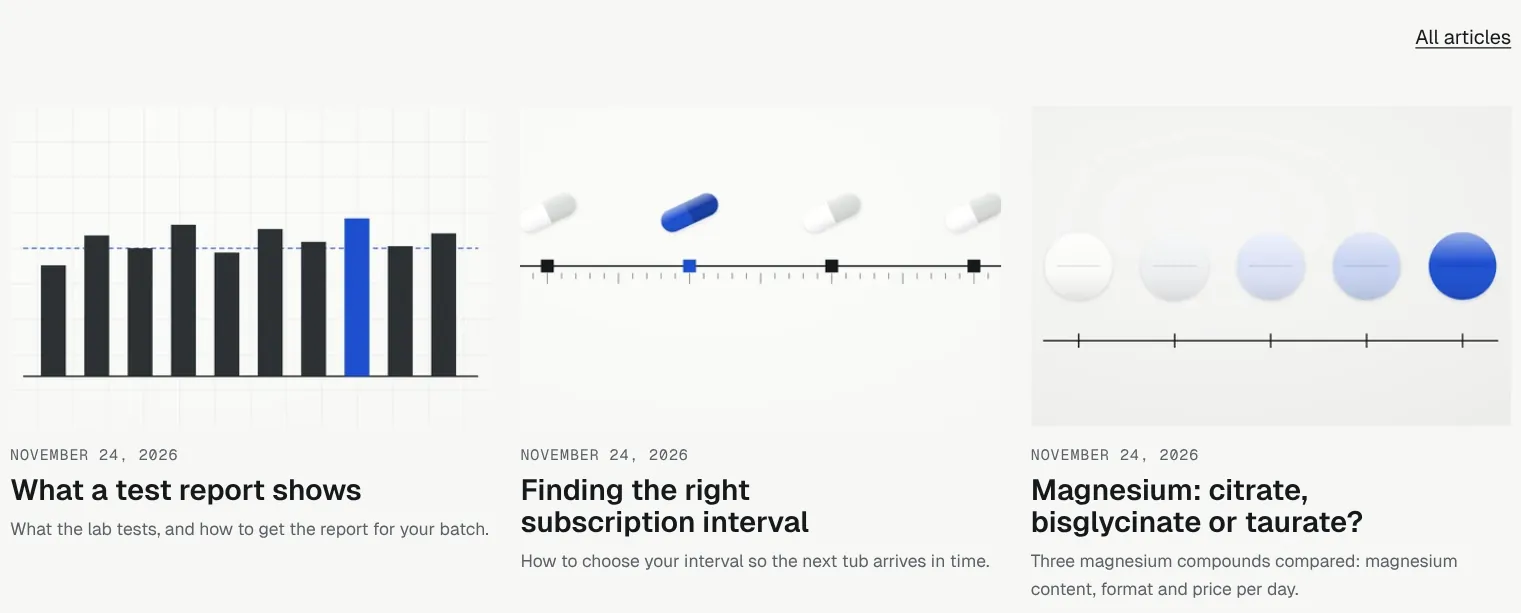
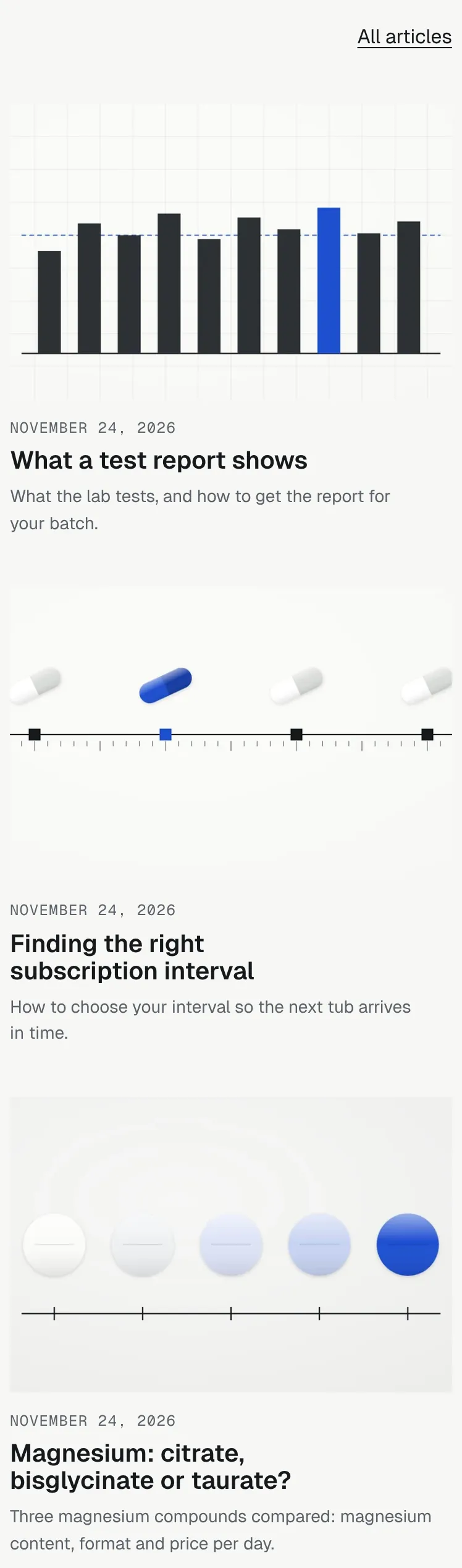 (Show larger)
Marked in the picture
The numbers in the computer picture show where each setting appears.
- 1 = Heading
Example from the demo store Nordform.
Where do I find it?
- Online Store
- Themes
- Customize
- Choose the page at the top: “Home page”
- Add block
- Text
- Blog posts
How to set it up
Blog posts
Shown with default values. Fields that only appear after another setting is changed are folded away below.
On a blog page, the current blog is shown; elsewhere, the selected one.
On other pages and below posts
Blog
Select blog
Marker 1 Heading
empty
Leave empty if a separate heading block sits above. Text in double square brackets is highlighted, e.g. [[refill]].
Number of posts
Default: 3
Show “All posts” link
Default: On
Link text
empty
Leave empty for “All posts” in the store’s language.
Only shown when “Show “All posts” link” is on.
Button style
Default: Text link
4 options
- Text link
- Primary
- Secondary
- Tertiary
Only shown when “Show “All posts” link” is on.
On the blog page
Posts per page
Default: 12
Show topic filter
Default: On
Appearance
Layout
Default: Grid
3 options
- Grid
- List
- First post large
Show image
Default: On
Show excerpt
Default: On
More fields when “Button style” is not “Text link” (1)
On other pages and below posts
Button size
Default: Normal
2 options
- Normal
- Small
Only shown when “Show “All posts” link” is on and “Button style” is not “Text link”.
Tips
- Leave “Heading” empty if a “Heading” block already sits above it.
- The “All posts” link can be hidden, renamed or shown as a button.