Collapsible content
Entries that open with a click. Good for longer explanations that don’t all need to be visible at once.
What it looks like
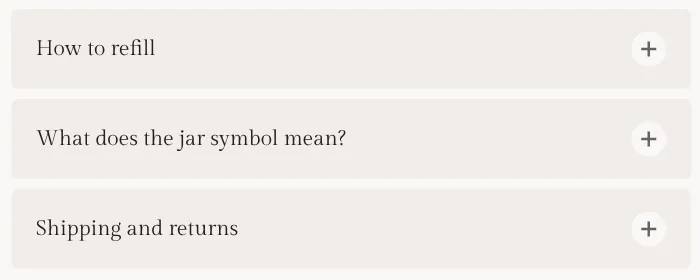
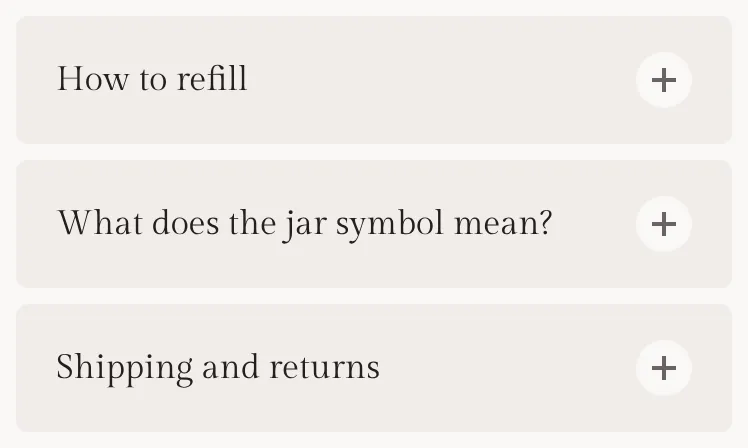 (Show larger)
Example from the demo store OSTRA.
Where do I find it?
- Online Store
- Themes
- Customize
- Choose the page at the top: “Products › Default product”
- Add block
- Collapsibles and tabs
- Collapsible content
How to set it up
Collapsible content
Shown with default values. Fields that only appear after another setting is changed are folded away below.
Heading
empty
Text in double square brackets is highlighted, e.g. [[refill]].
Only one entry open at a time
Default: Off
Anchor
empty
Name without # or spaces, e.g. shipping. A button or link to #shipping jumps here.
More fields when “Heading” is filled in (1)
Heading level (SEO)
Default: H2 – Section
4 options
- H2 – Section
- H3 – Subsection
- H4 – Minor subsection
- Normal text
Can contain other blocks (for example heading, text, button).
Tips
- With “Only one entry open at a time”, the previous entry closes when a new one opens.
- With an “Anchor” (e.g. shipping), a link to #shipping jumps straight here.